Browse help
Help by role
Help for authorisers
You check and approve other people’s timesheets and expenses.
New to SaveTrees? Start hereGetting started as an authoriserTimesheets · Day to day
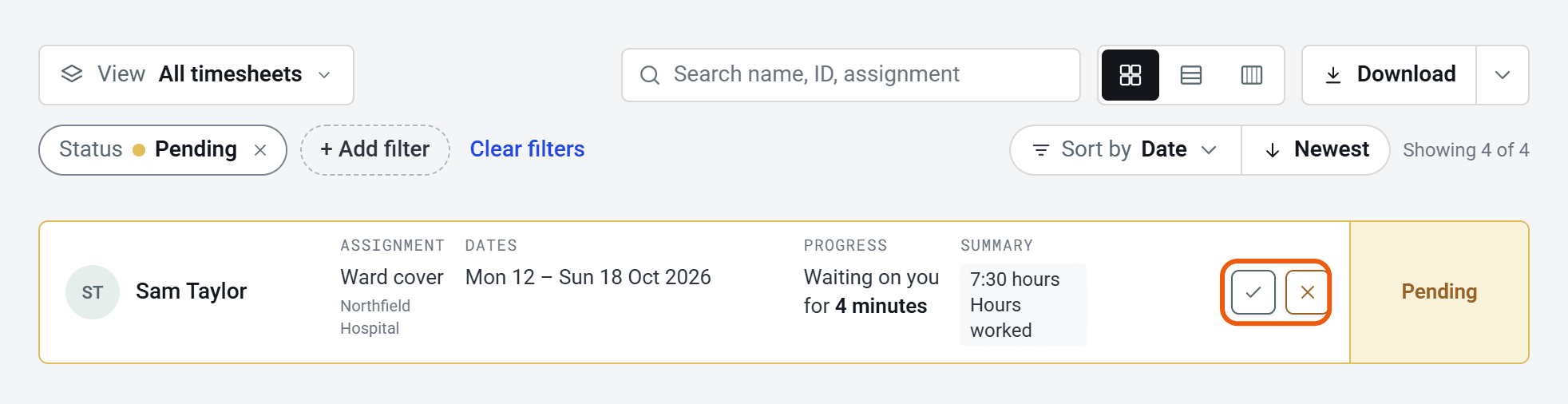
- How do I accept or reject a timesheet?Find what’s waiting for you, accept it, or send it back with a reason. Several at once, too.
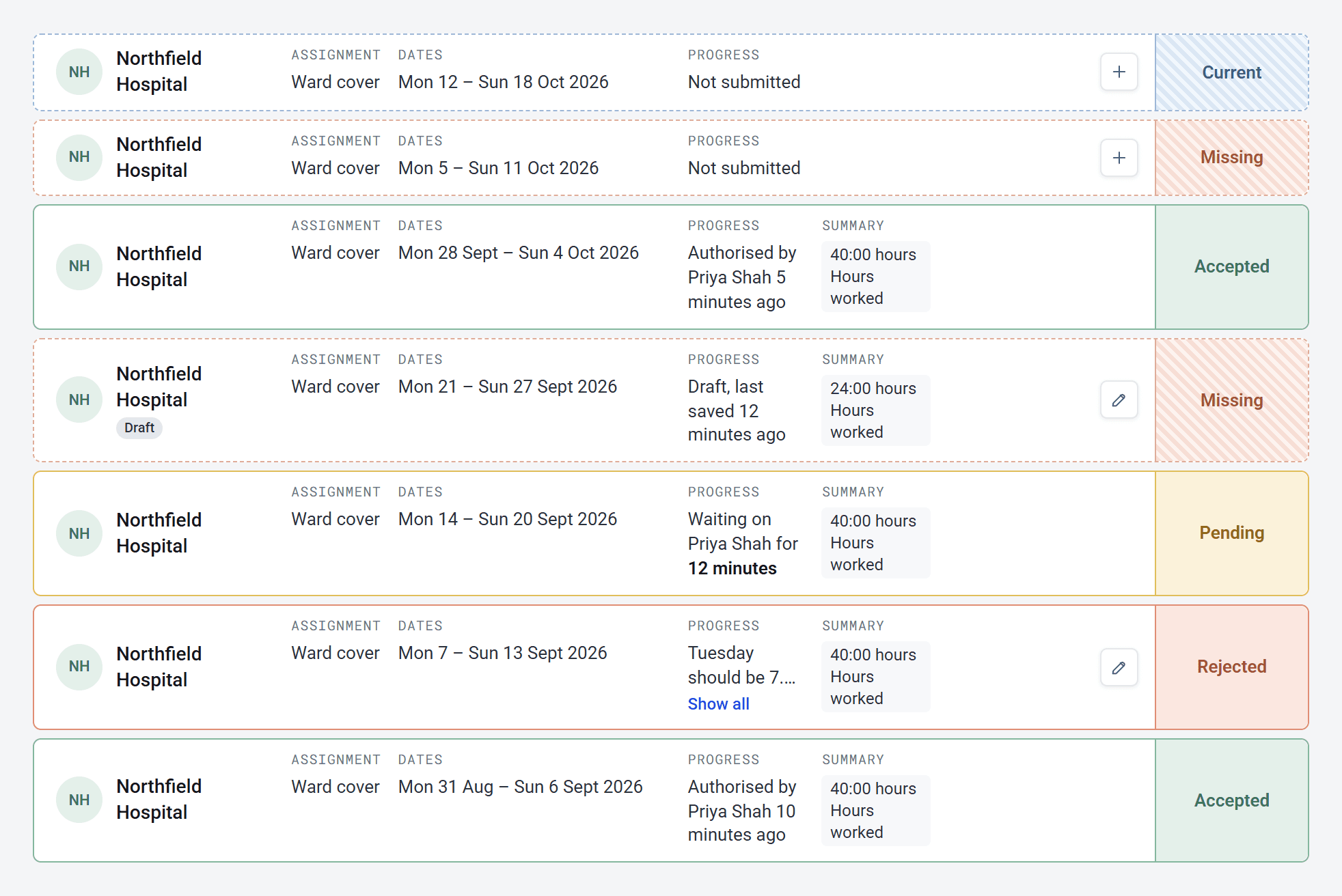
- What do the timesheet statuses mean?Missing, Current, Pending, Accepted, Rejected: what each one means and what to do next.
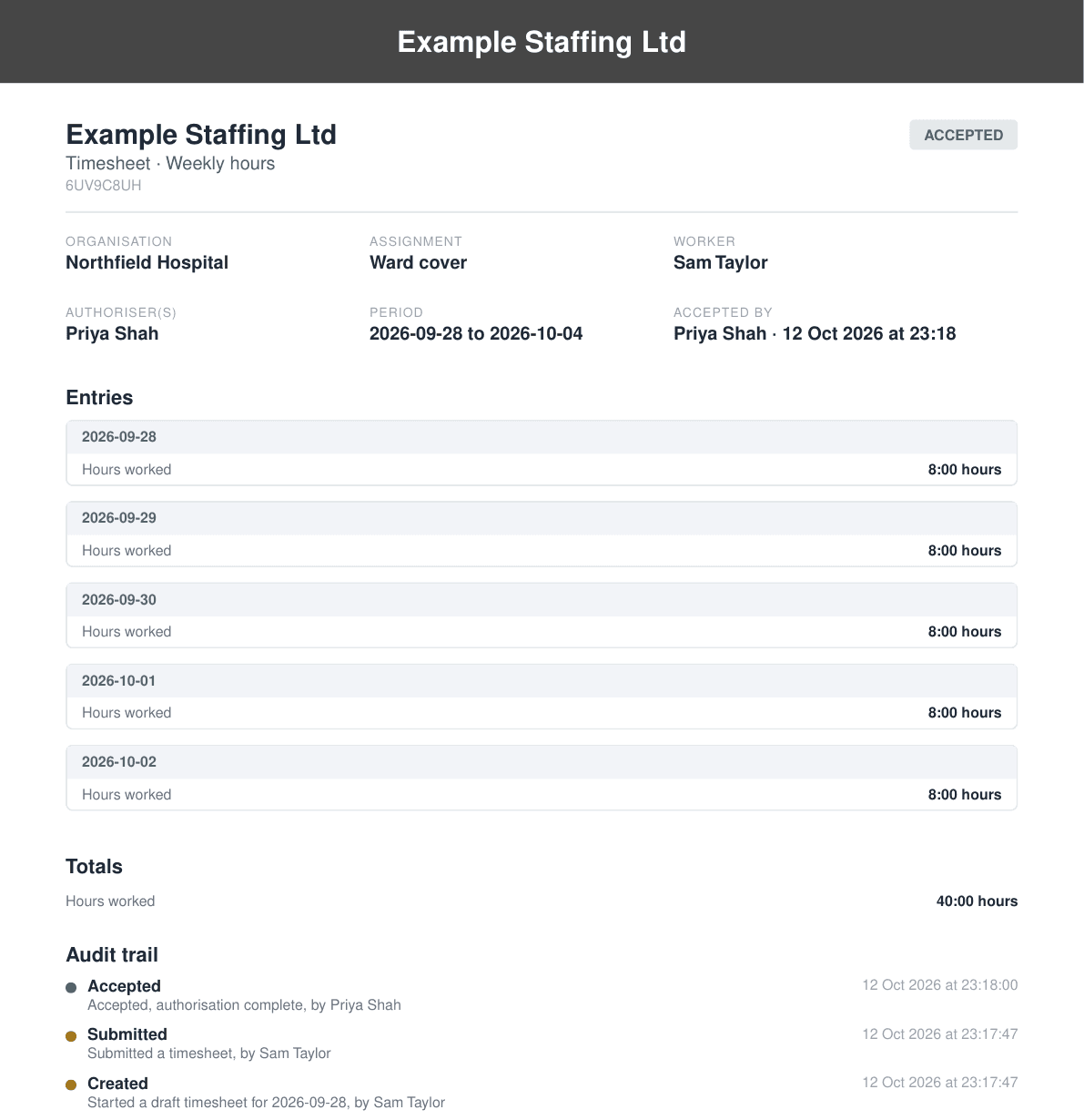
- How do I download a timesheet as a PDF?Download one timesheet, or a zip of lots of them, ready to file or send on.
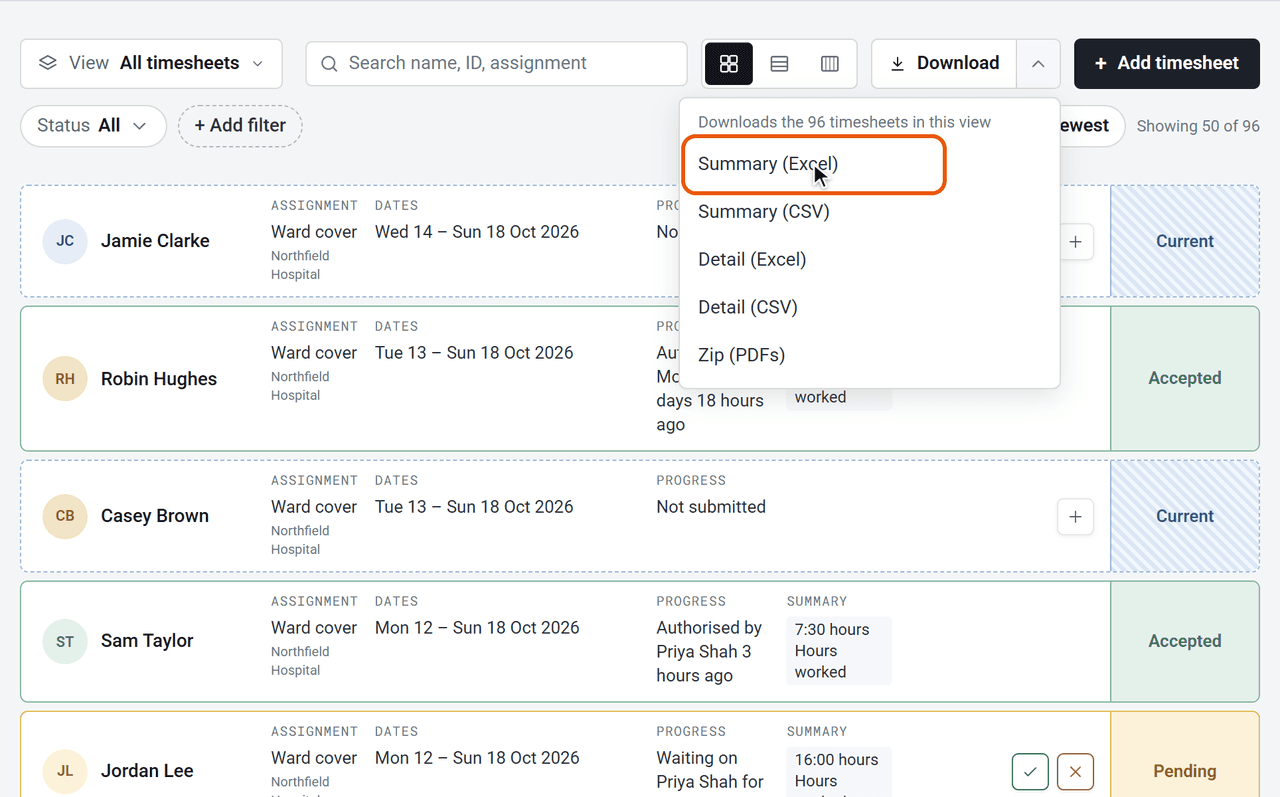
- How do I download a list of timesheets?Get your timesheets as an Excel or CSV file for payroll or invoicing, or have one emailed to you every week.
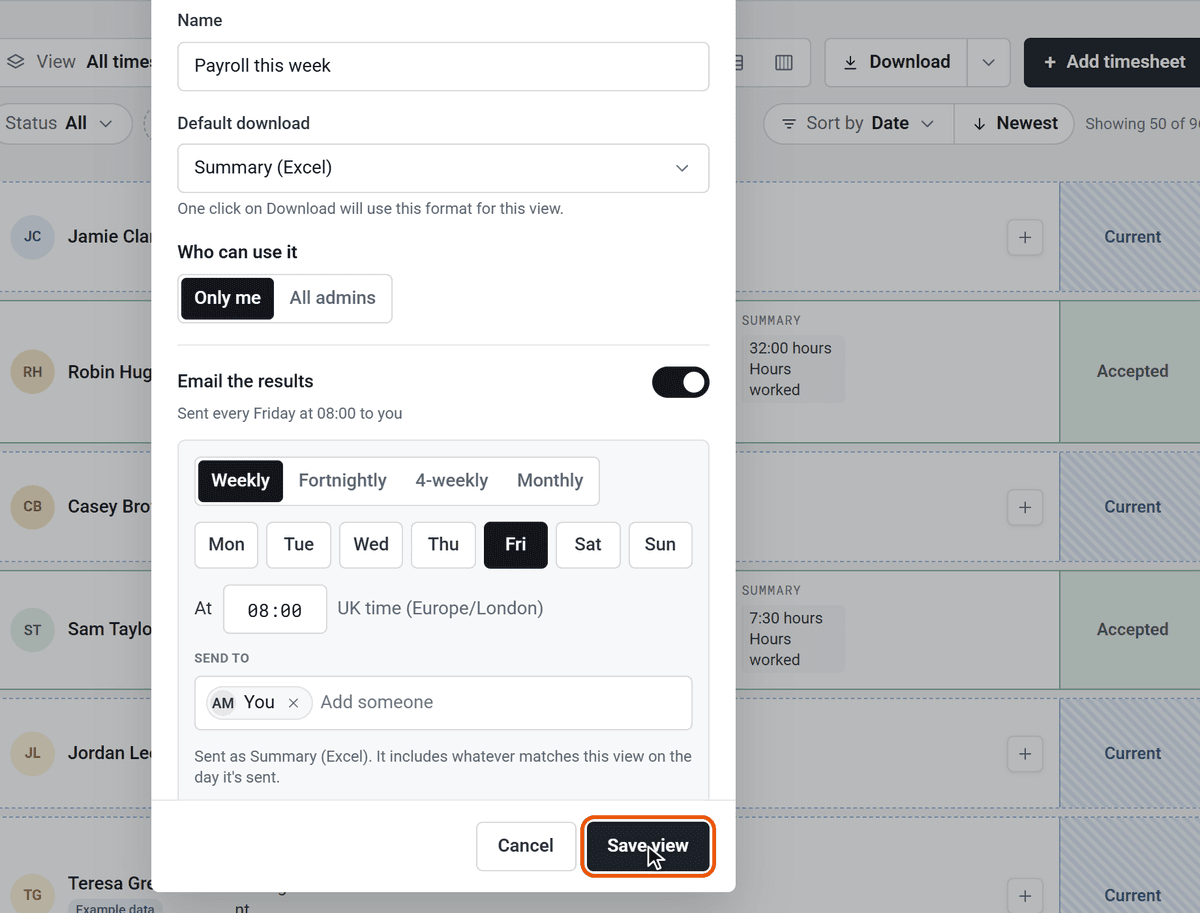
- How do saved views and scheduled emails work?Save the filters and columns you use most, and have the list emailed to you or payroll on a schedule.
Expenses · Day to day
Your account · Get set up
Your account · Fix a problem
Your account · Settings & admin
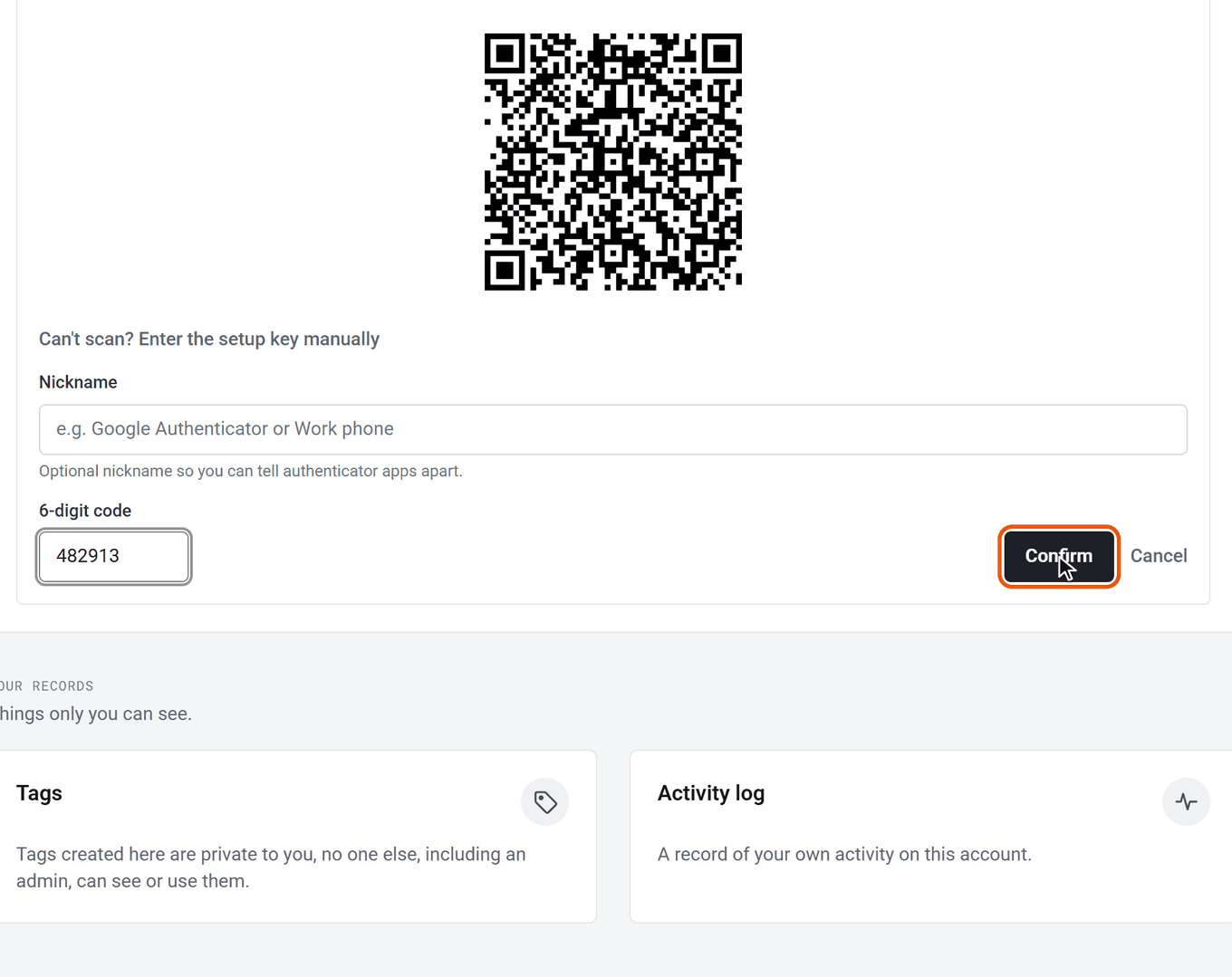
- How do I set up two-step verification?Add a code from your phone to your sign-in, so a stolen password isn’t enough to get in.
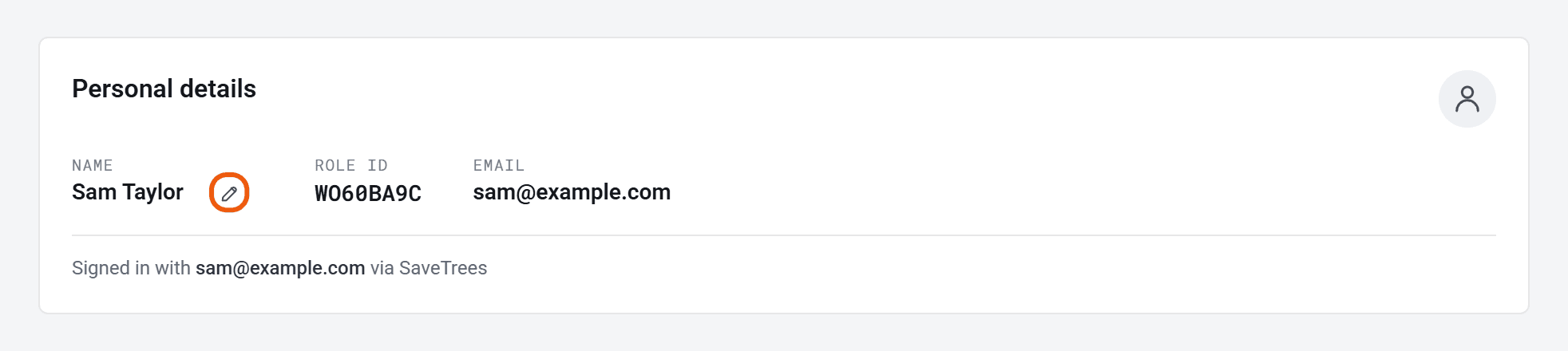
- How do I change my own settings?Your name, photo, the emails we send you, and the devices you’re signed in on.
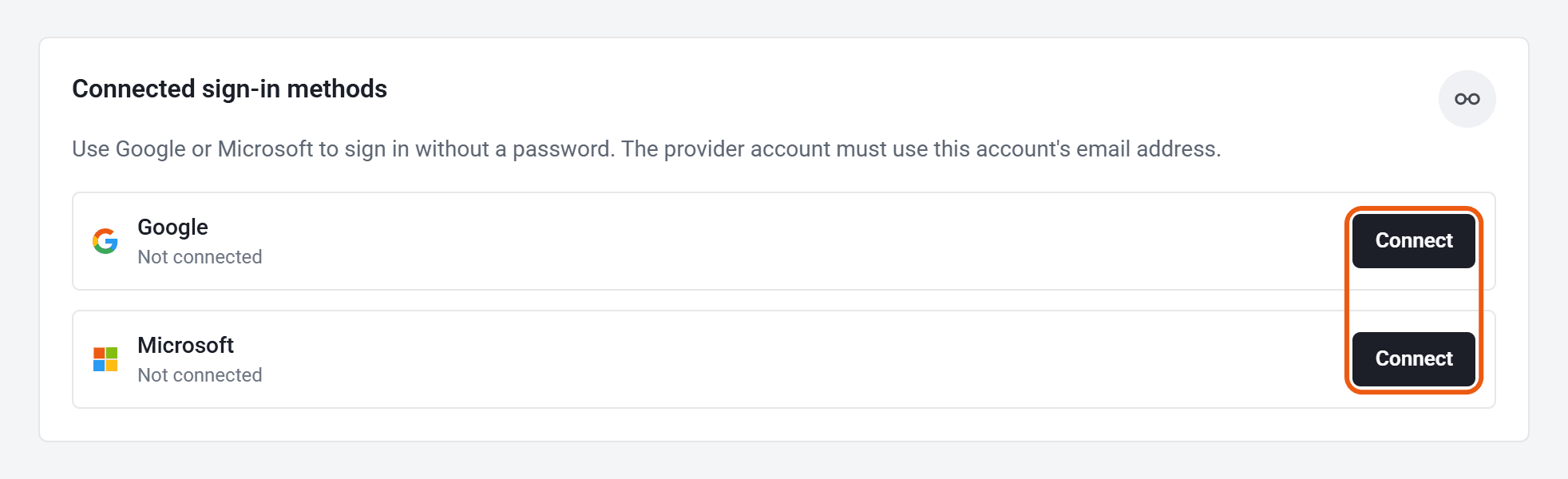
- How do I sign in with Google or Microsoft?Use your Google or Microsoft account instead of a password, and how admins can require it.
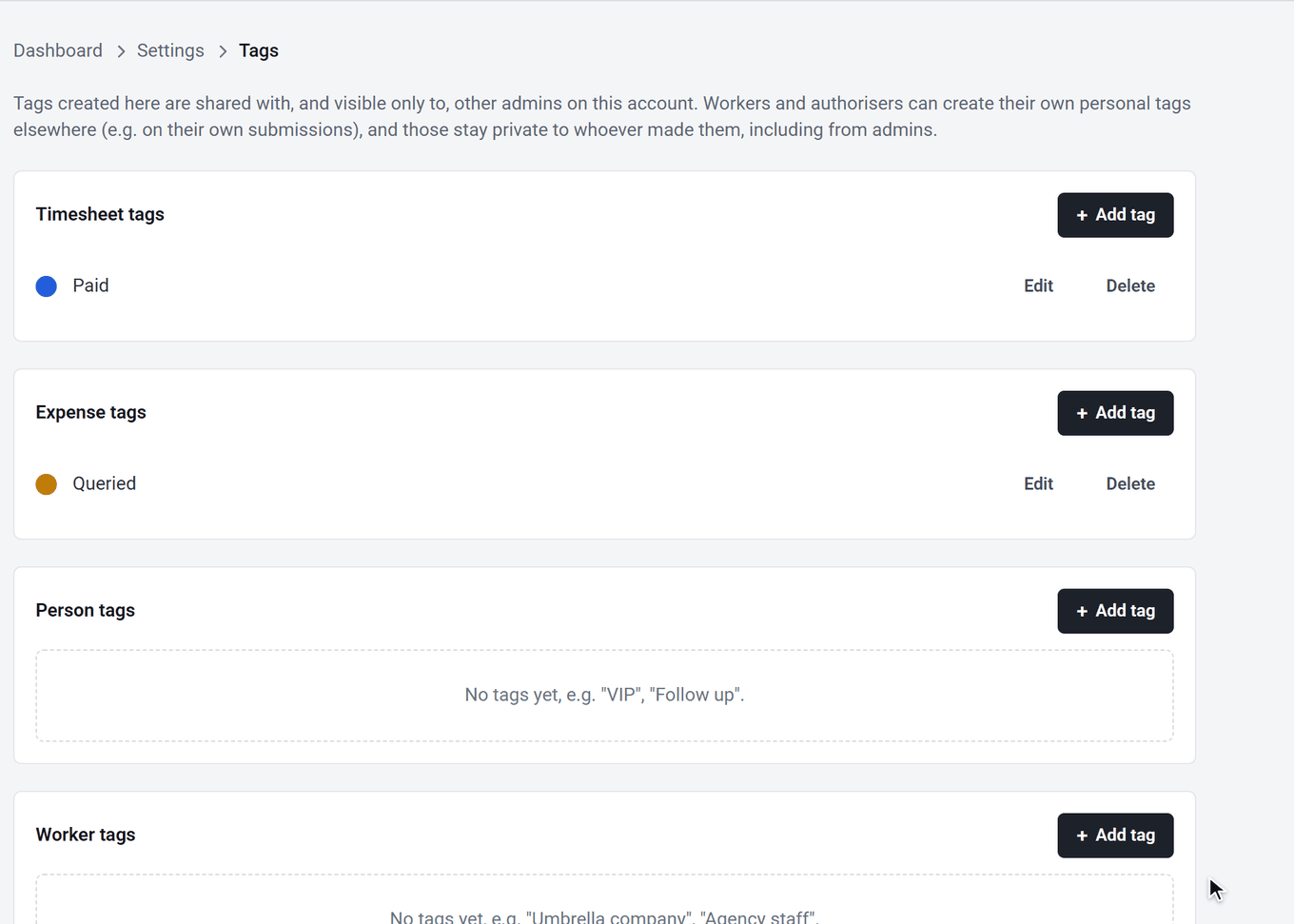
- How do tags work?Coloured labels for timesheets, claims, people and more, so you can find and filter them later.
- How do I switch between accounts or roles?Work with more than one organisation, or wear two hats? Switch between them without signing out.
Not an authoriser? Help for admins · Help for workers