Your account · Fix a problem
How do I reset my password?
Forgotten it? You can set a new one from the sign-in page in a couple of minutes.
For admins, workers and authorisers · Updated 12 October 2026
Using SaveTrees v2? This works differently there. See the v2 guide
Typed it three times and it still won’t let you in? Ask for a reset link from the sign-in page and choose a new password. You’ll be back in within a couple of minutes.
Set a new password
- 1Open the Forgot password page(opens SaveTrees in a new tab)
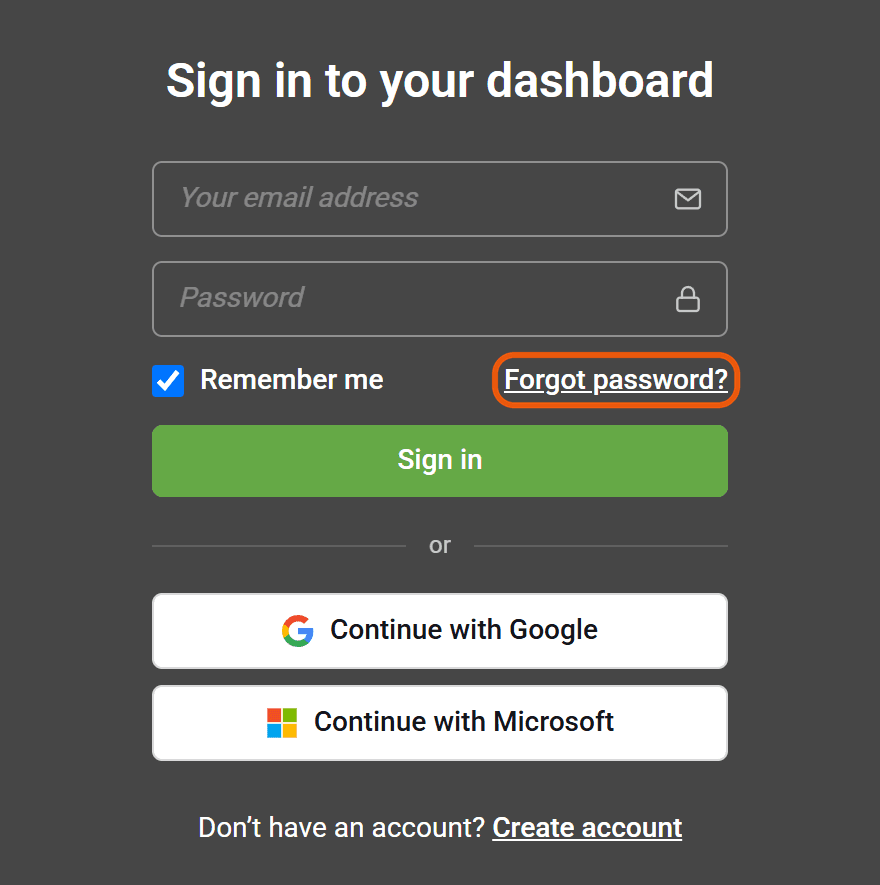
On the sign-in page, click Forgot password?
- 2
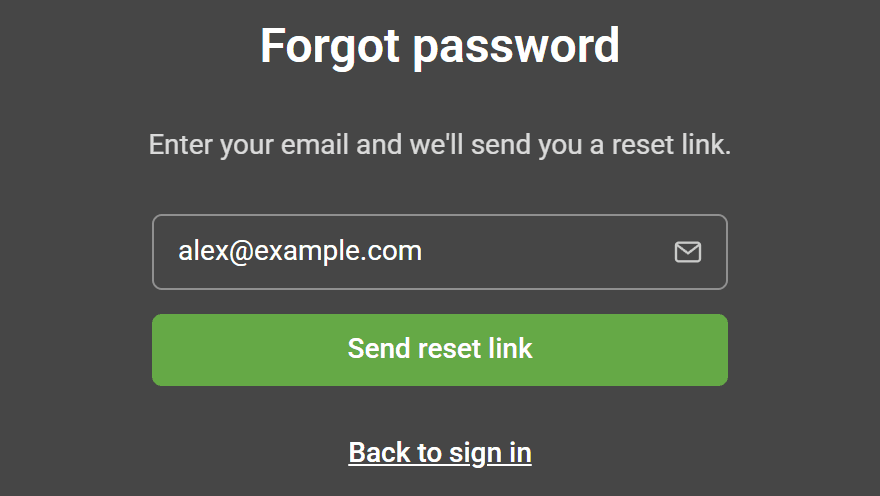
Type in your email address and click Send reset link.
- 3
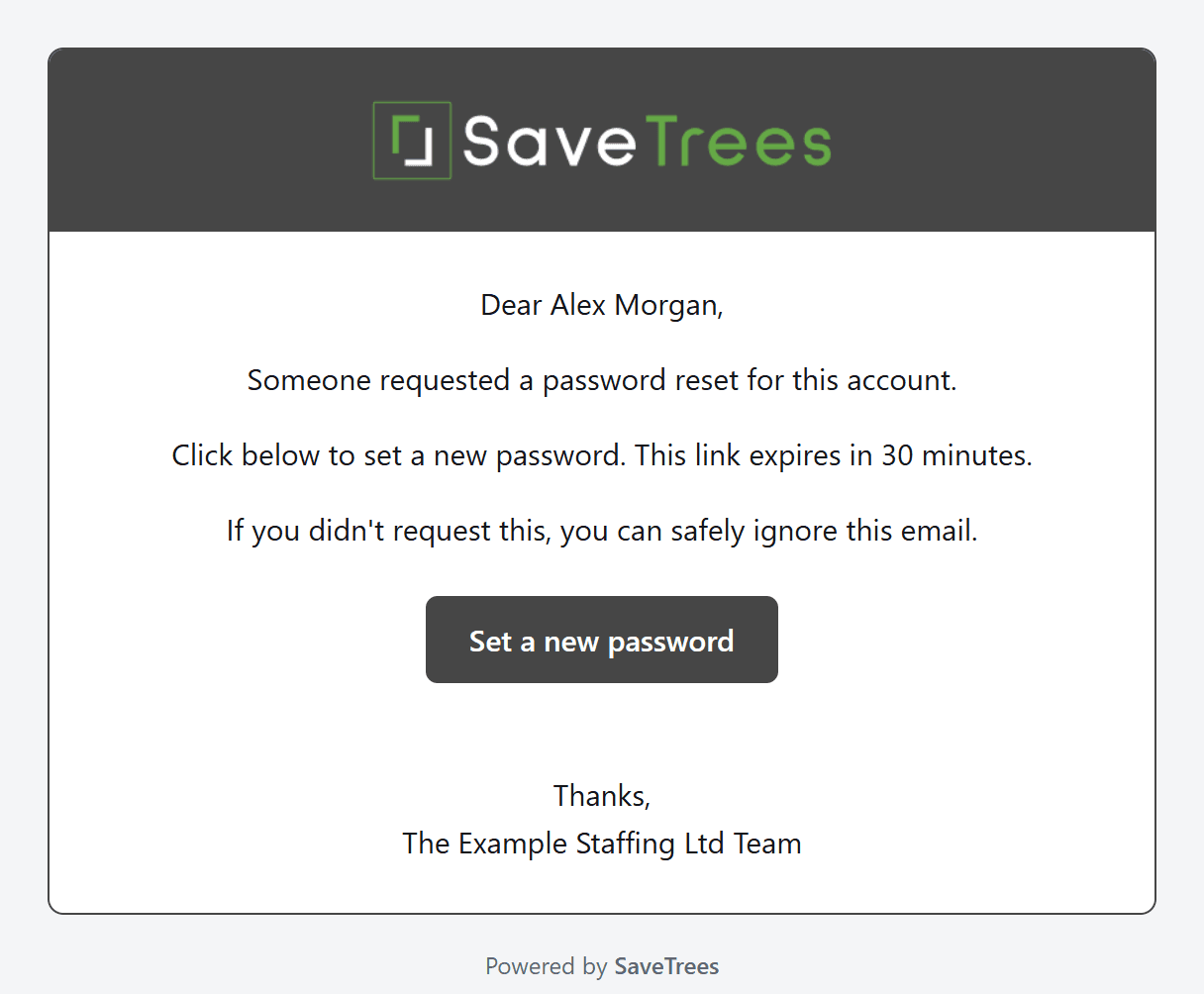
We’ll email you a link. Open the email and click Set a new password. The link only works for 30 minutes, so don’t leave it too long.
- 4
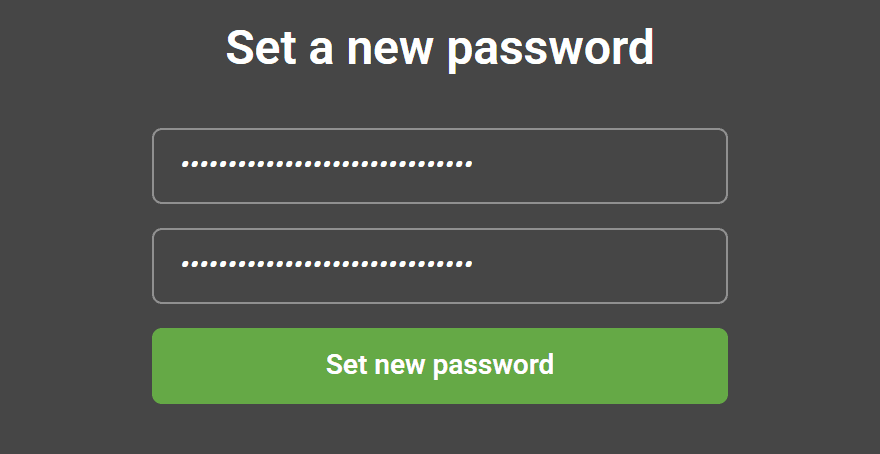
Type your new password into both boxes and click Set new password.
- 5
That’s it. You’re back at the sign-in page, ready to sign in with your new password.
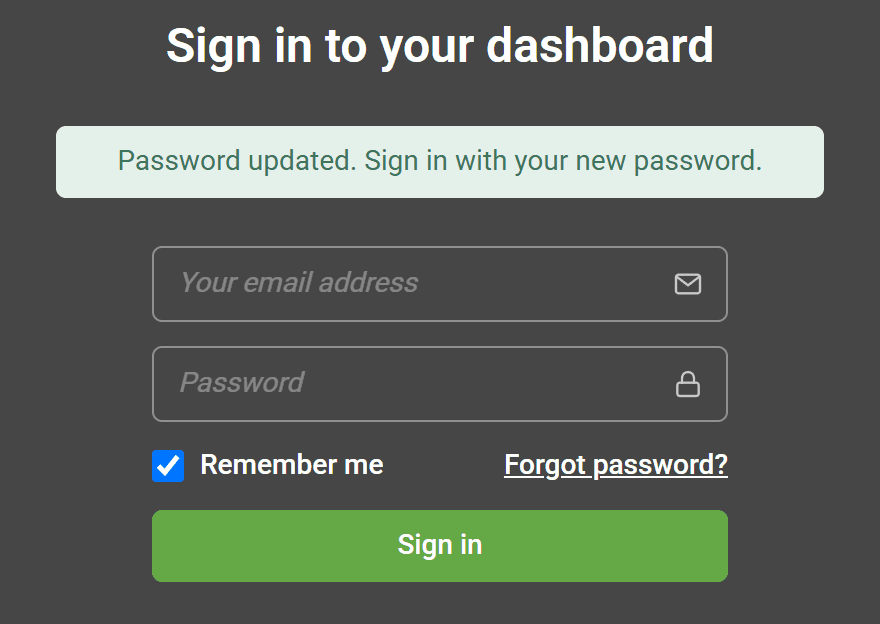
Picking a password
It needs to be at least 12 characters long, and it can’t be your email address. You don’t need numbers or symbols, so three or four random words strung together works well. They’re easier to remember and harder to guess.
The email hasn’t arrived
Give it a few minutes, then have a look in your spam or junk folder.
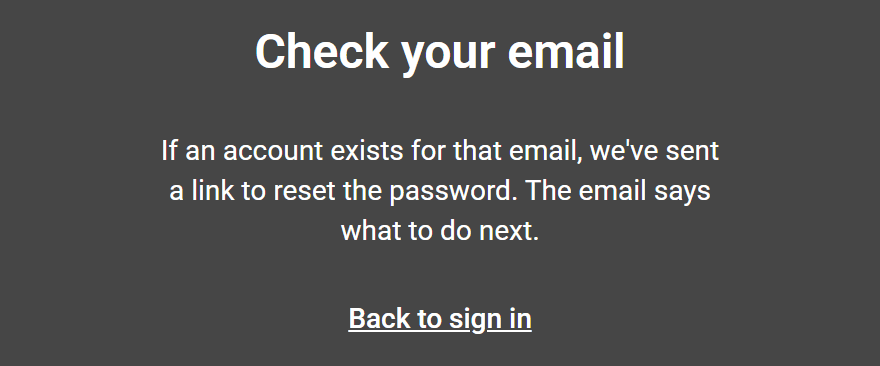
Still nothing? You might be signed up with a different email address. For security, SaveTrees won’t tell you whether an address has an account, so it shows the message above either way. Try any other addresses you use, or ask whoever invited you to SaveTrees which one they have for you.
Try not to keep asking for new links while you wait. After three in 10 minutes, we stop sending them until the 10 minutes are up.
Worth knowing
- Resetting your password signs you out everywhere else too, so you’ll need to sign in again on your phone or any other computer.
- If you use two-step verification, you’ll still be asked for your code when you sign in.
- Locked out after too many wrong passwords? Resetting gets you straight back in.
- If you sign in with Google or Microsoft, you don’t need a password at all. You can still set one this way if you’d like a backup.
- There isn’t a separate “change password” option yet. To change a password you already know, sign out and follow the steps above.
For admins
You can send a reset email to someone from their page in People. Click Send password reset, and they’ll get the same email as above.
If your organisation requires you to sign in with Google or Microsoft, a reset won’t give you a password. You’ll get an email reminding you to use the Google or Microsoft button instead.