Timesheets, expenses and documents your
contractors and clients actually want to use
A portal in your agency’s branding, set up in minutes. Workers submit, clients approve, invoices go to Xero. No paper, no chasing, no spreadsheets.
- Free forever for one worker
- No contract
- No card needed
Common questions
1 of 10
Do you integrate with Xero?
Natively. Connect Xero in a couple of clicks and approved timesheets and expenses become draft invoices against the right client contact. No exports, no re-keying.
5 mins
Average set-up time
100+
Agencies using SaveTrees
£0
A month for one worker, forever
1 tree
Every month for 2–20 workers, 2 for 21–40, and so on
One portal
Everything your contractors submit, in one place
Timesheets
Hours, days, shifts or overtime. Workers fill them in on any device and authorisers approve with one tap.
Explore timesheetsExpenses
Receipts, mileage with smart routes, and daily limits. Only the expense types you allow for each person.
Explore expensesDocuments
Request right-to-work checks, insurance and invoices, or send handbooks to be acknowledged. Secure files are logged.
Explore documents
Templates
Timesheets built for the way your industry works
Day rate with hourly overtime
Fields on this timesheet
Weekly- Day rate (days)
- Overtime (hours)
- Notes per week
- Rail and flights (expense)
- Hotel (expense)
- Mileage (expense)
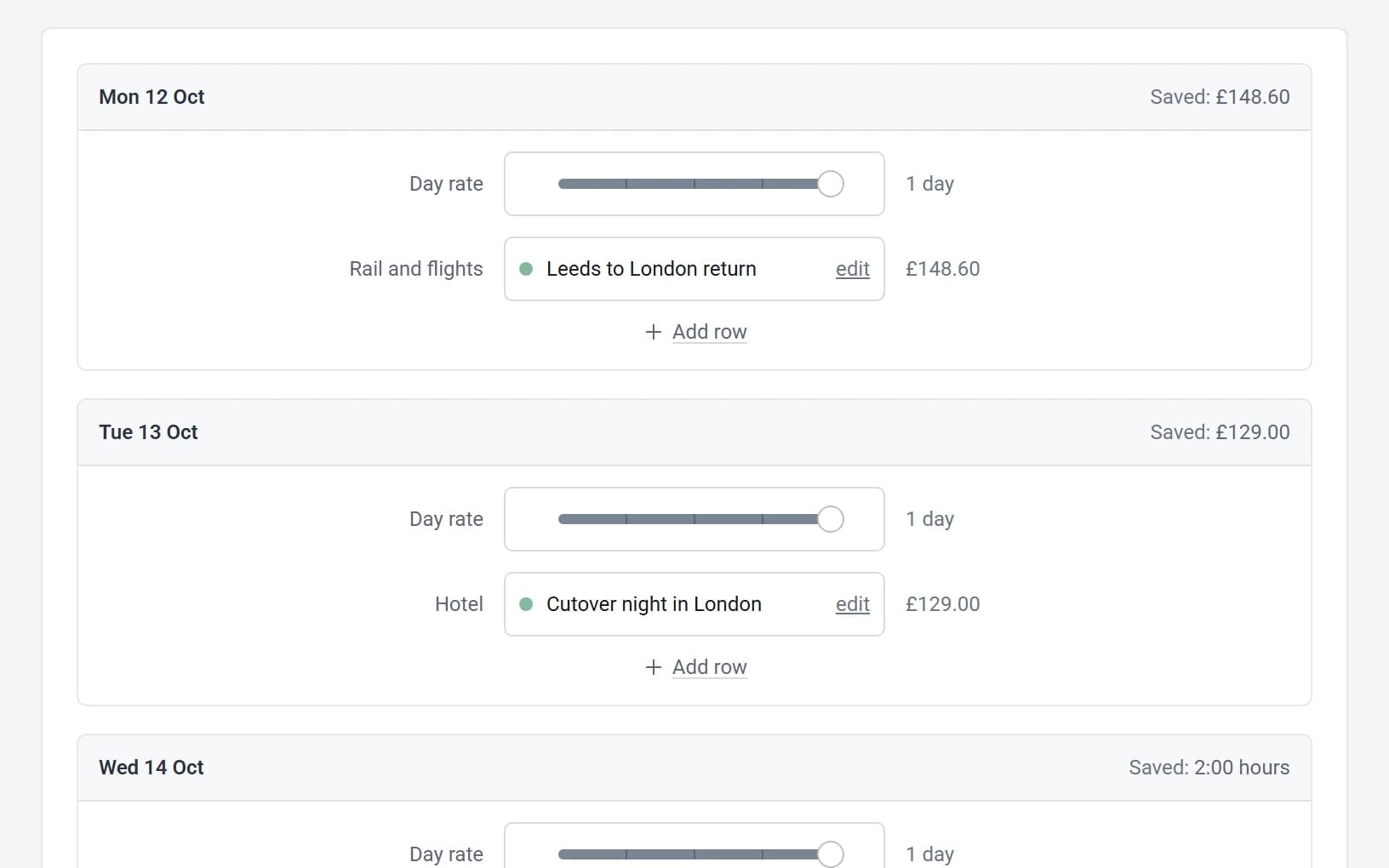
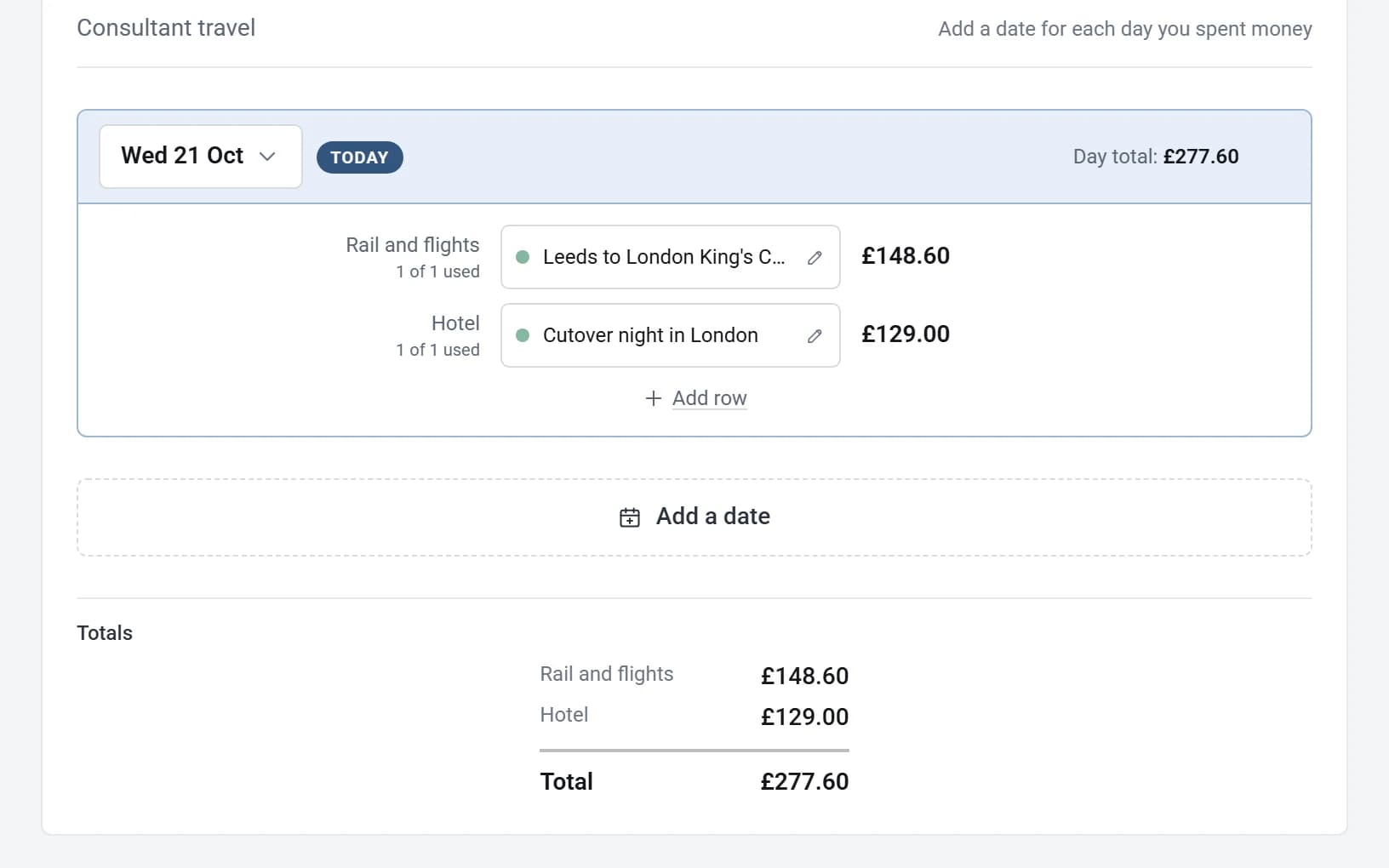
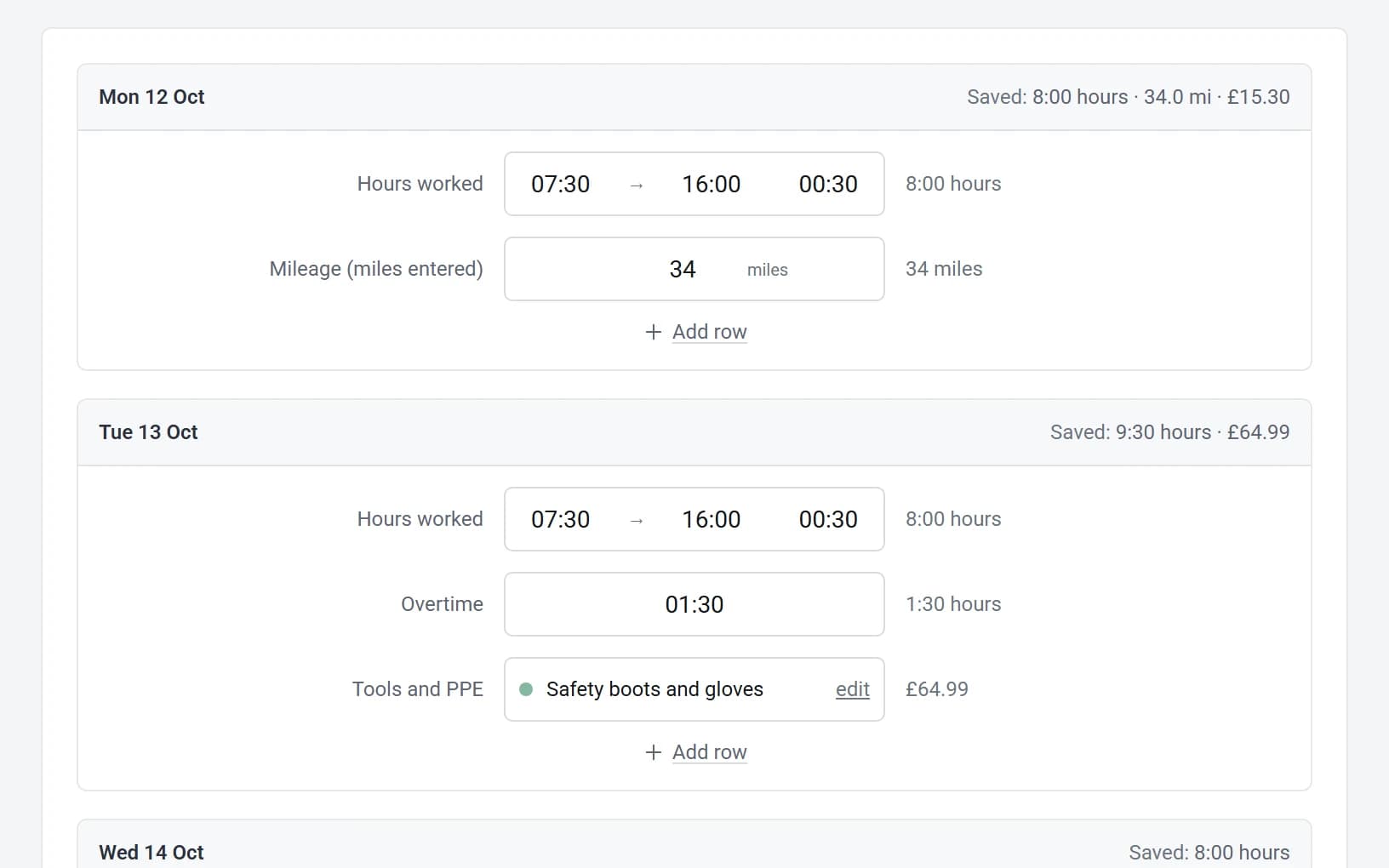
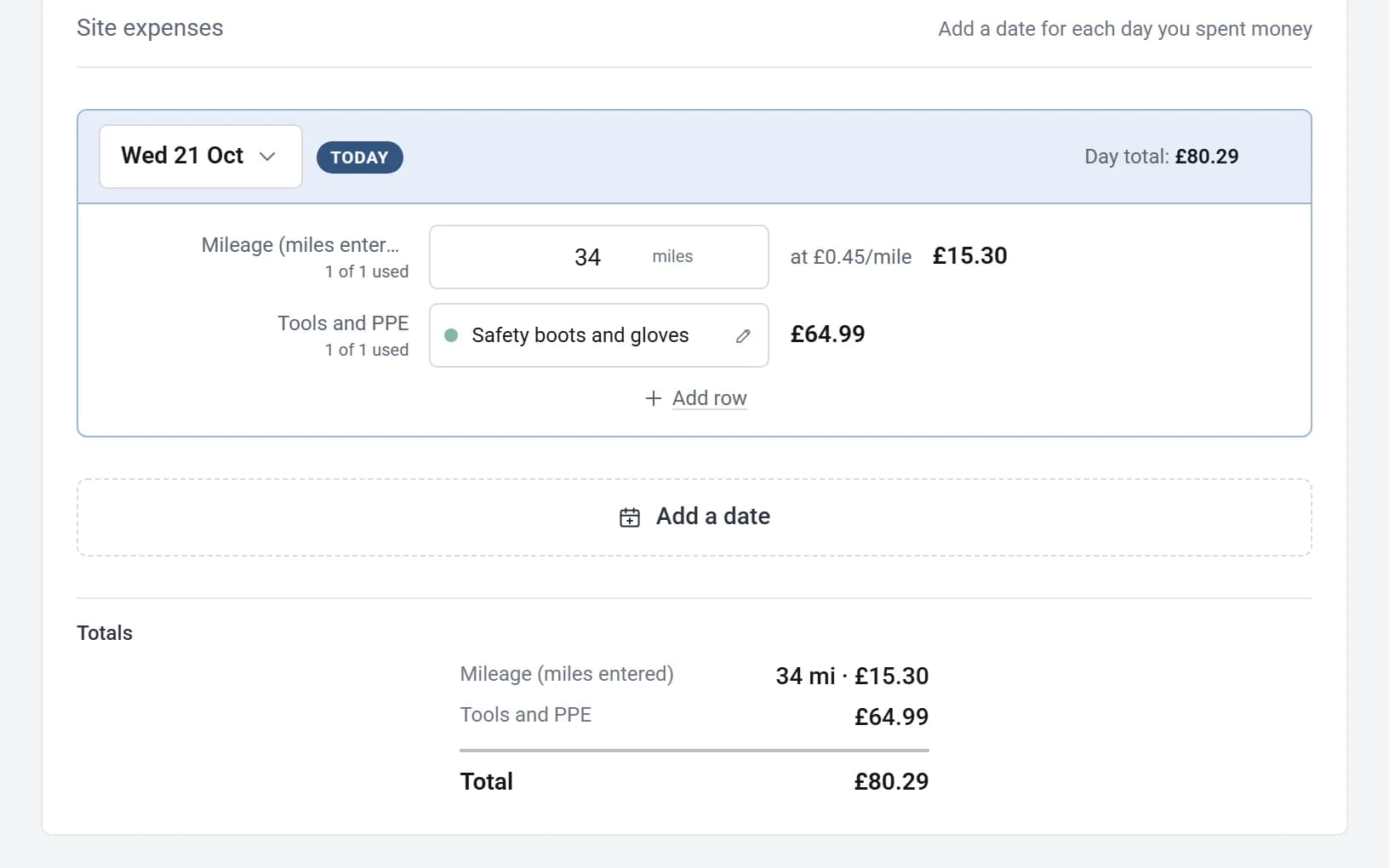
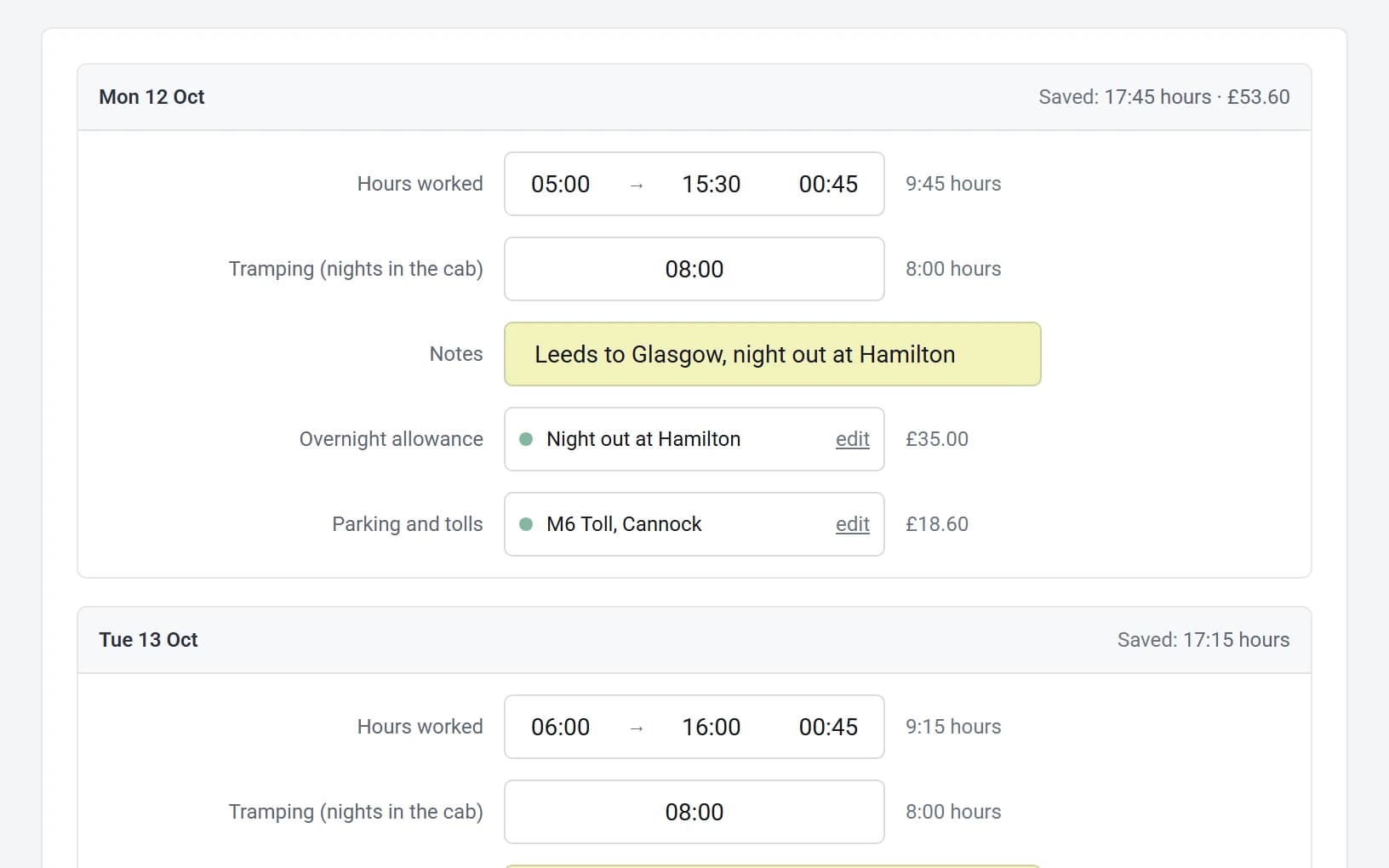
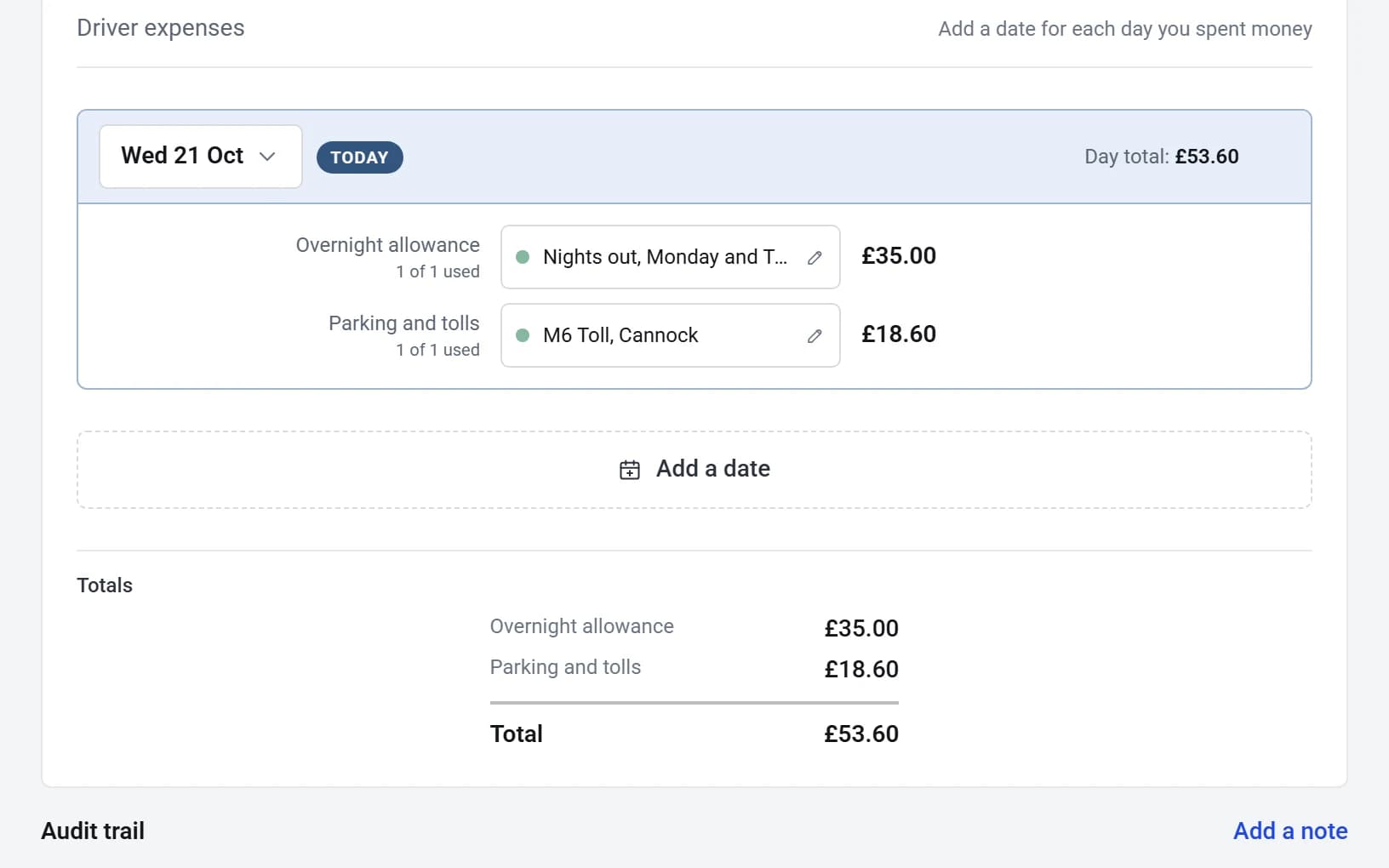
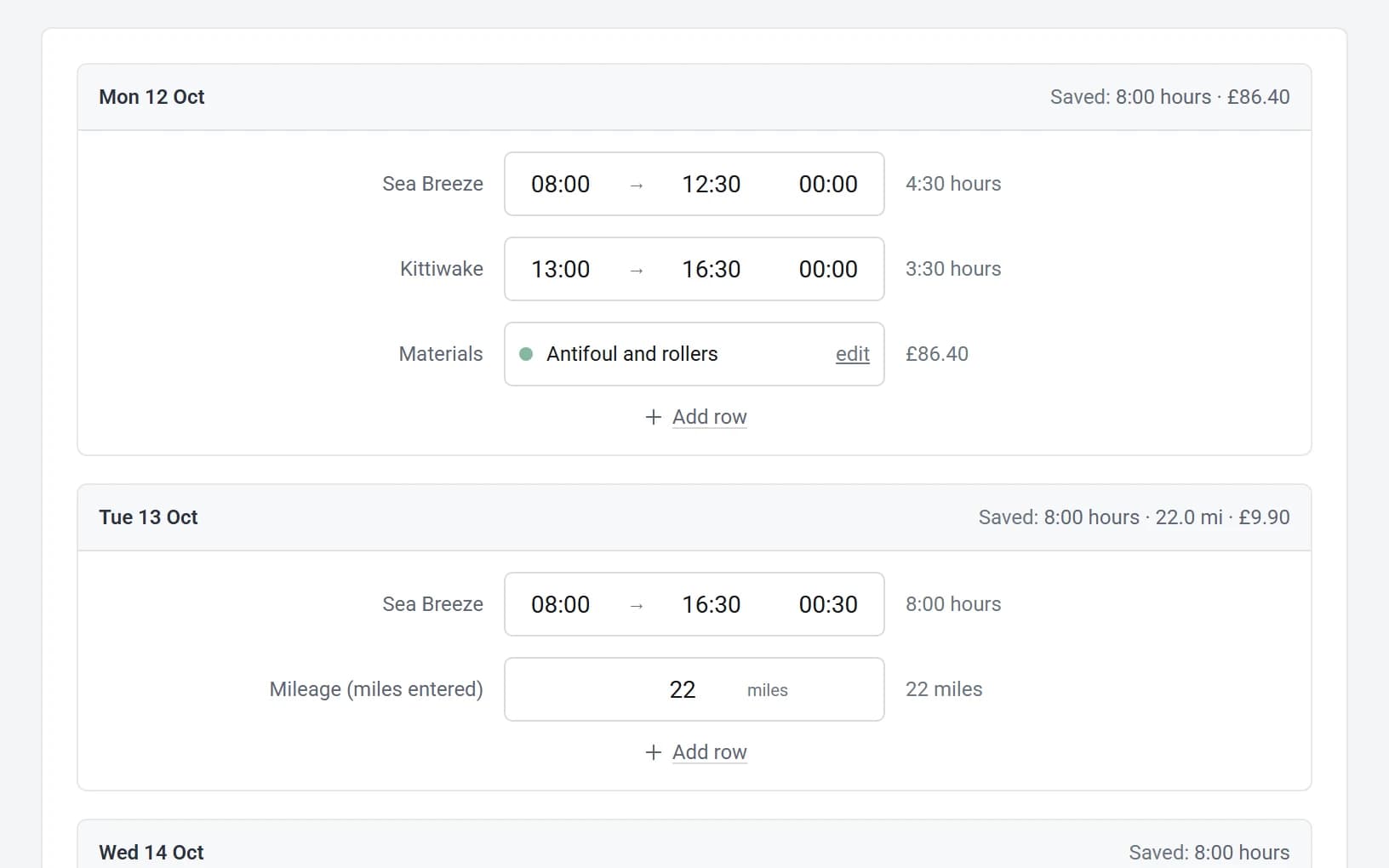
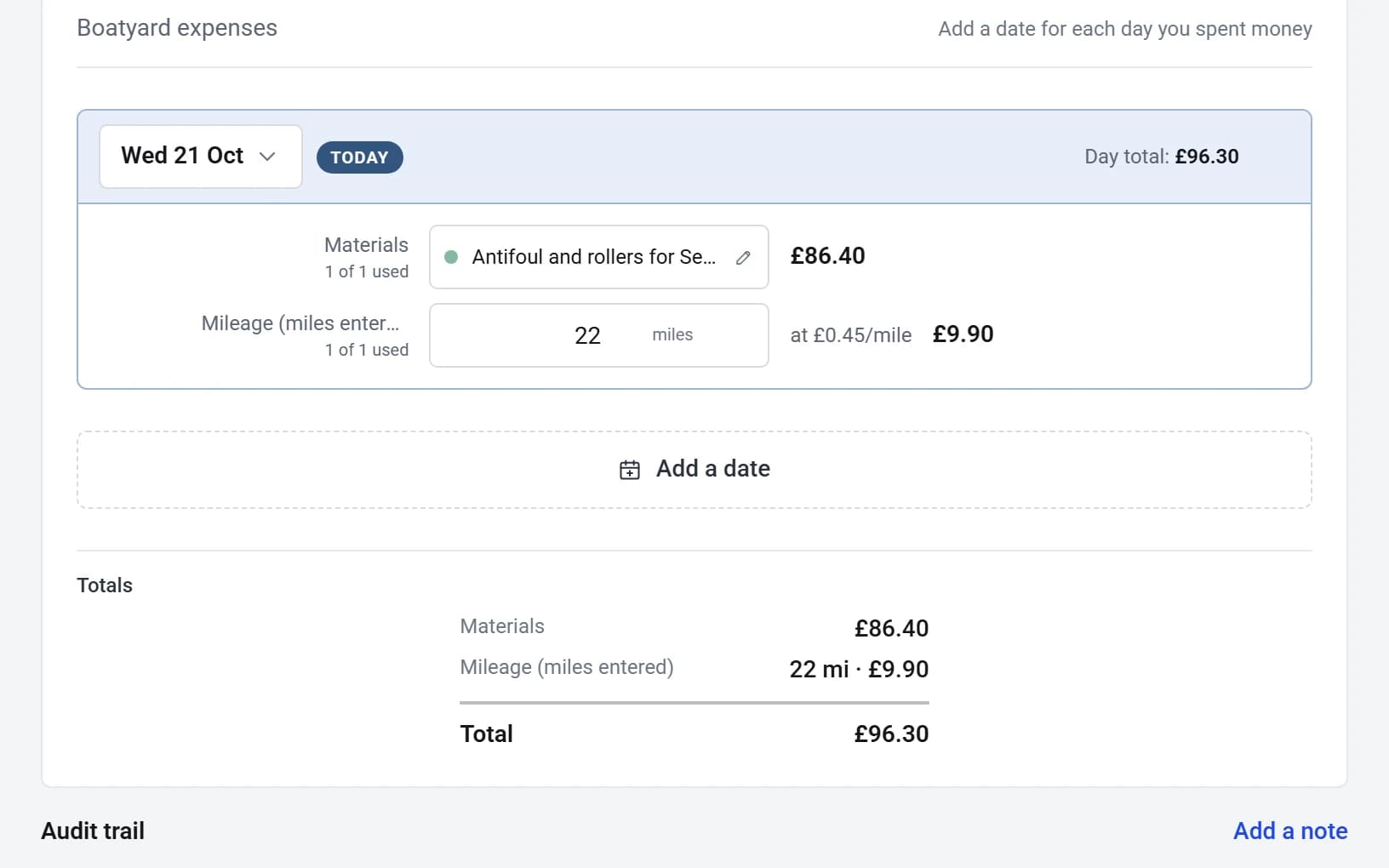
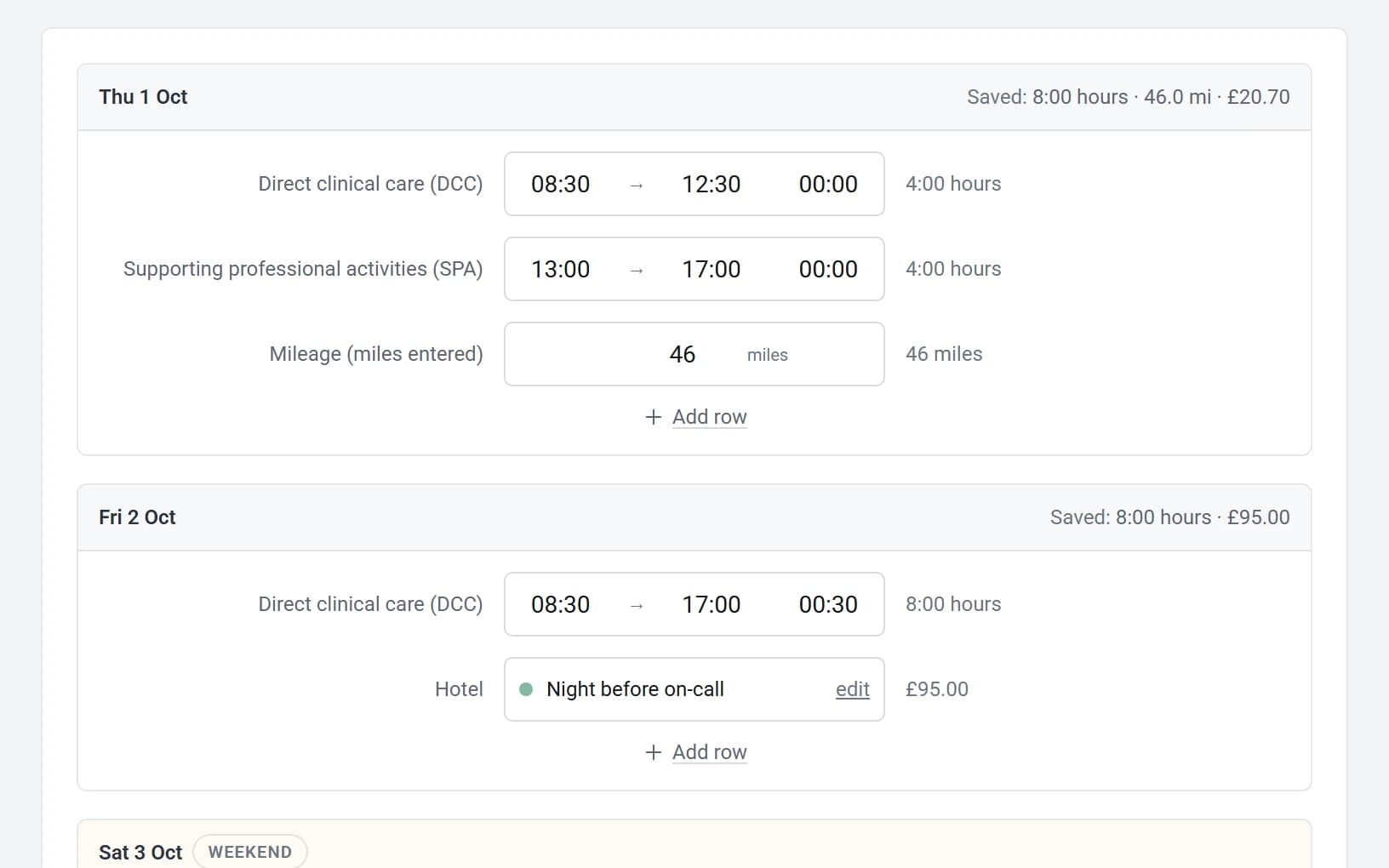
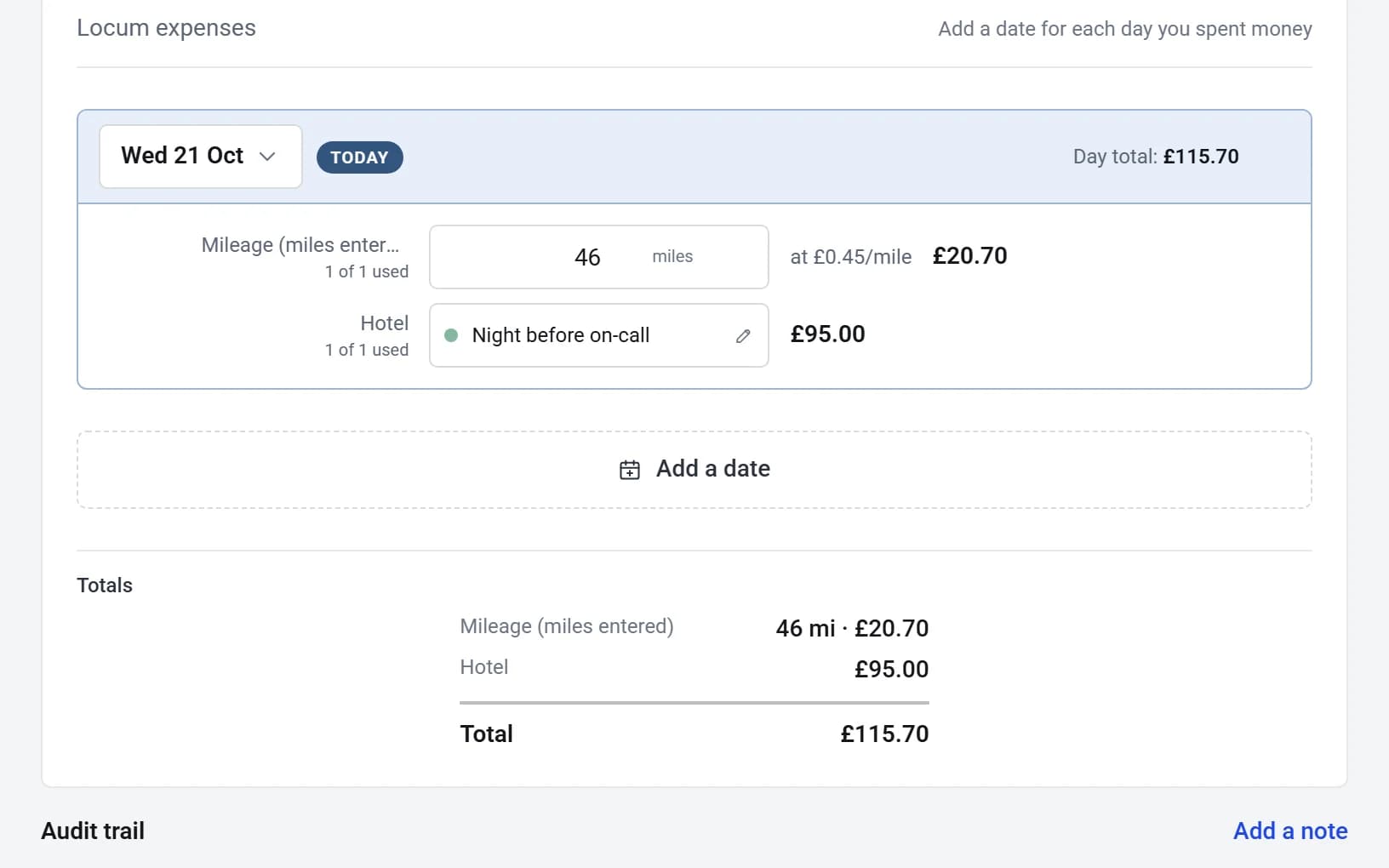
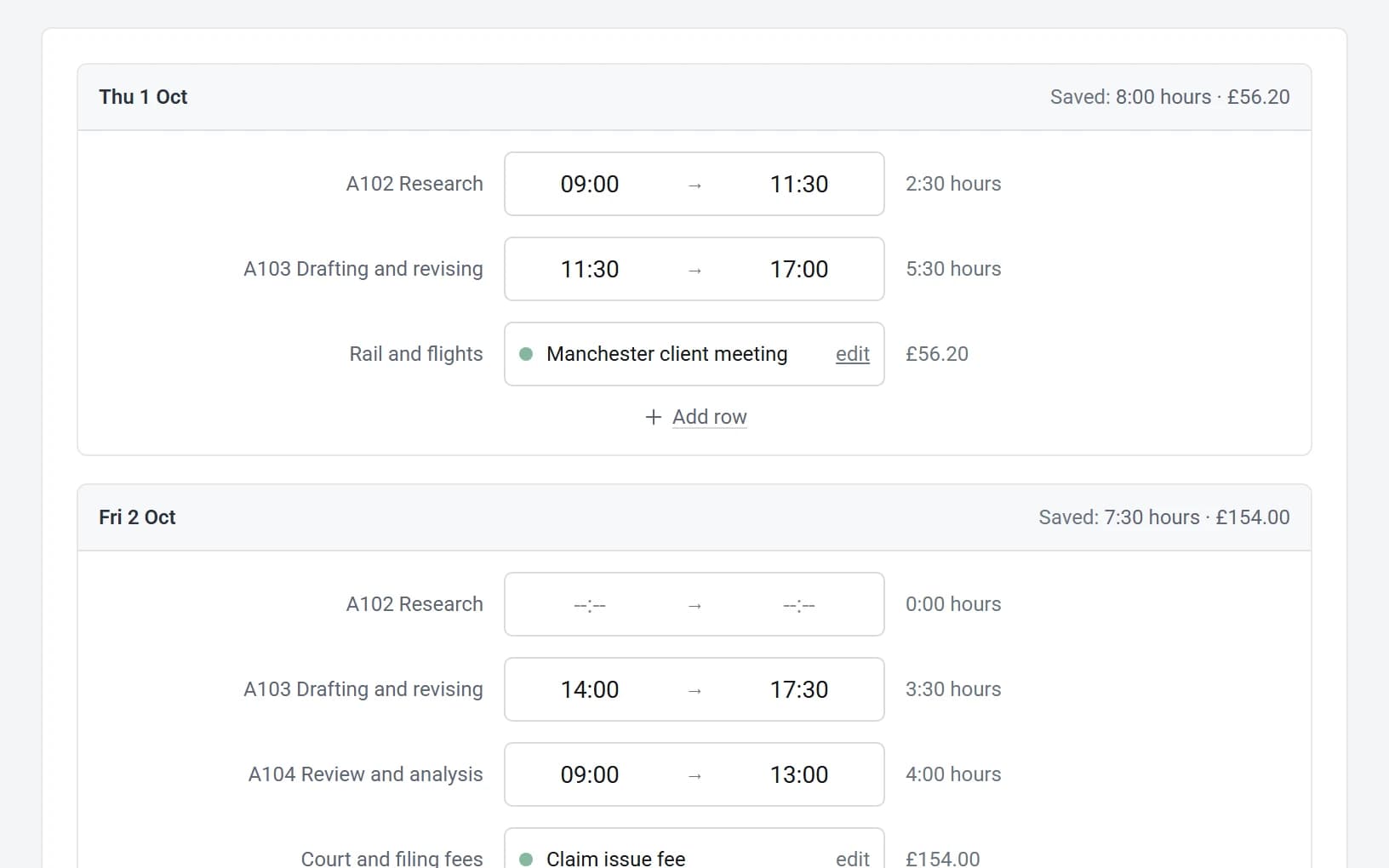
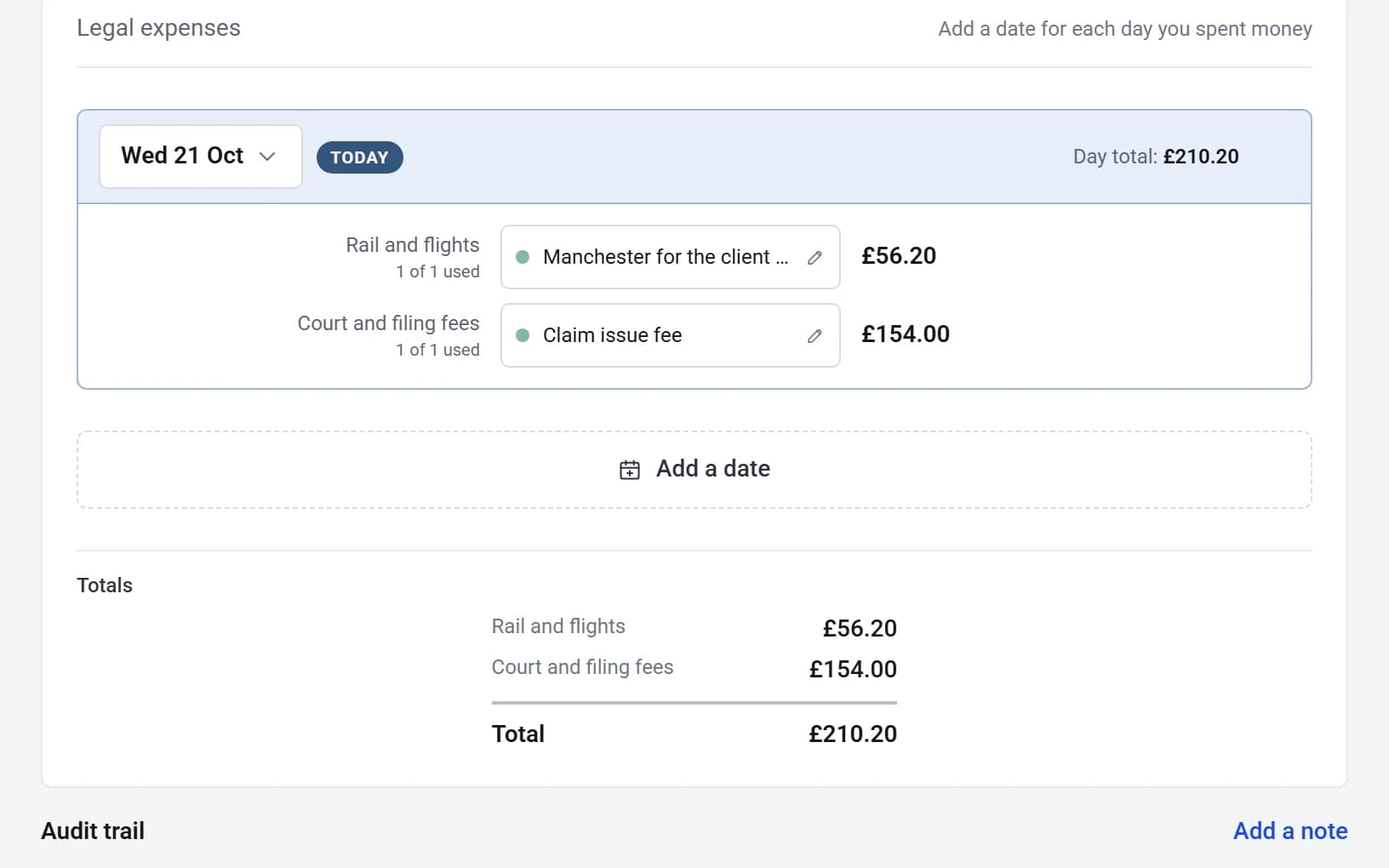
These are just examples. Build one template for your whole agency, or one for every kind of work. When you add a new worker, you just pick which timesheet or expense template you would like them to have access to.
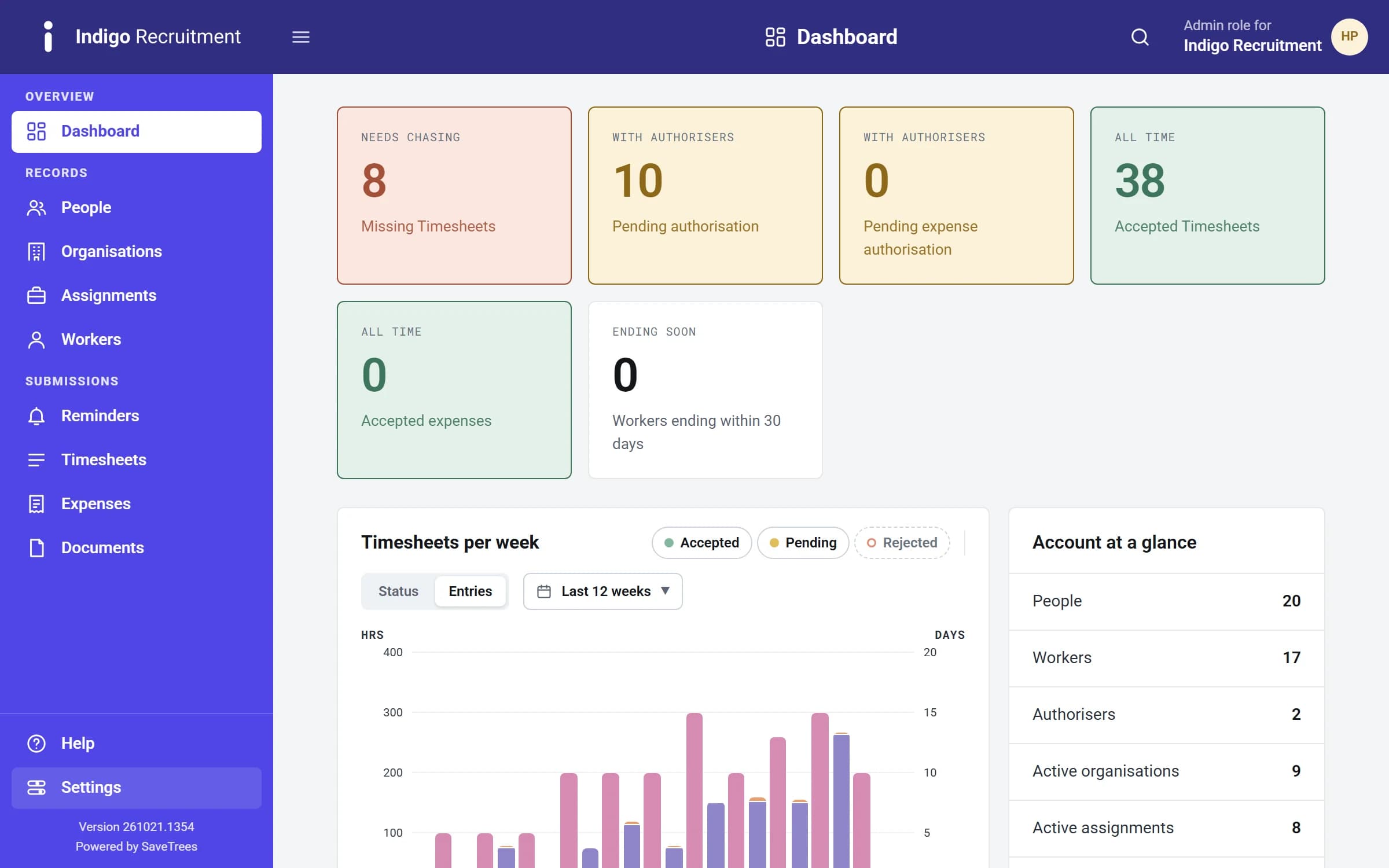
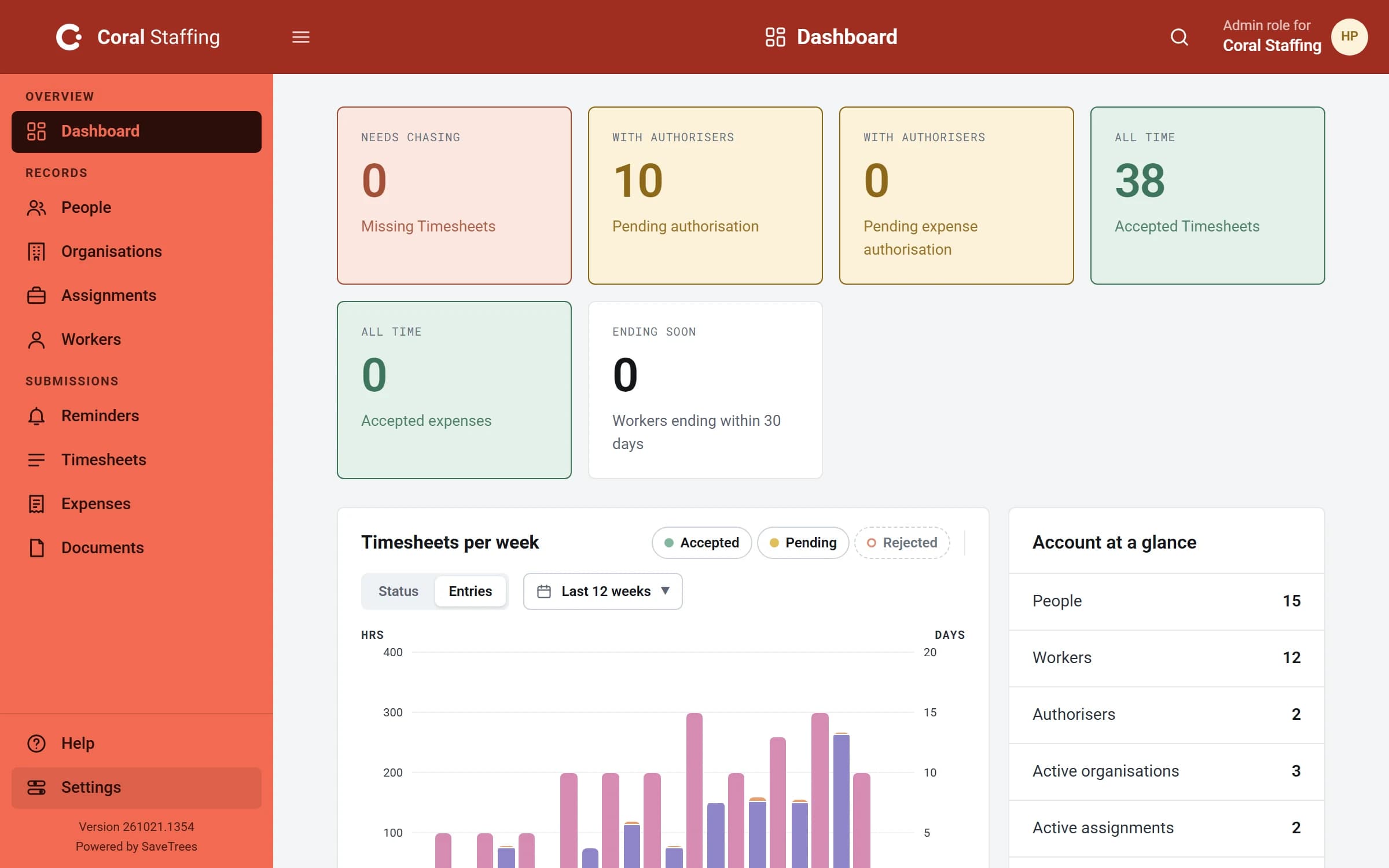
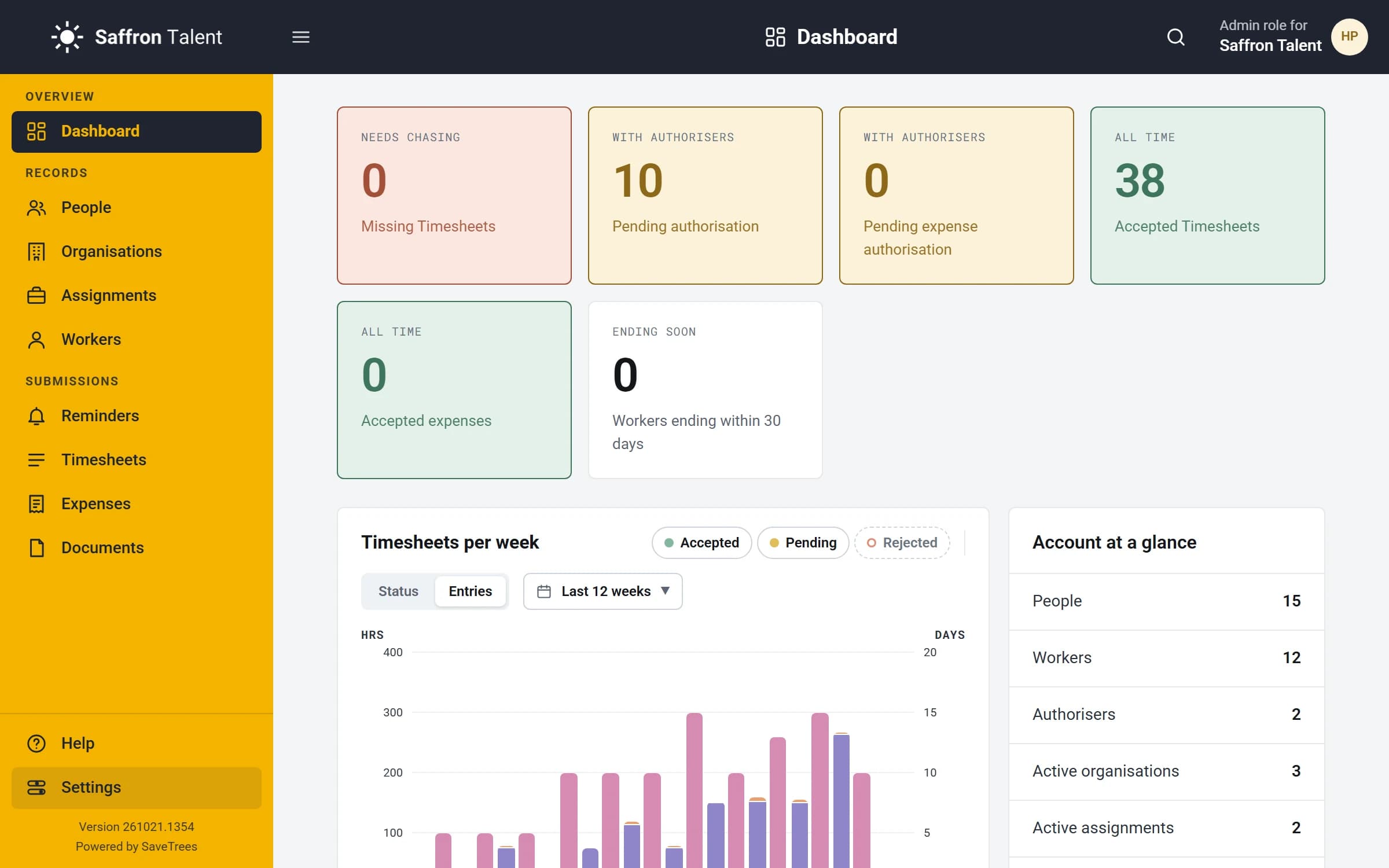
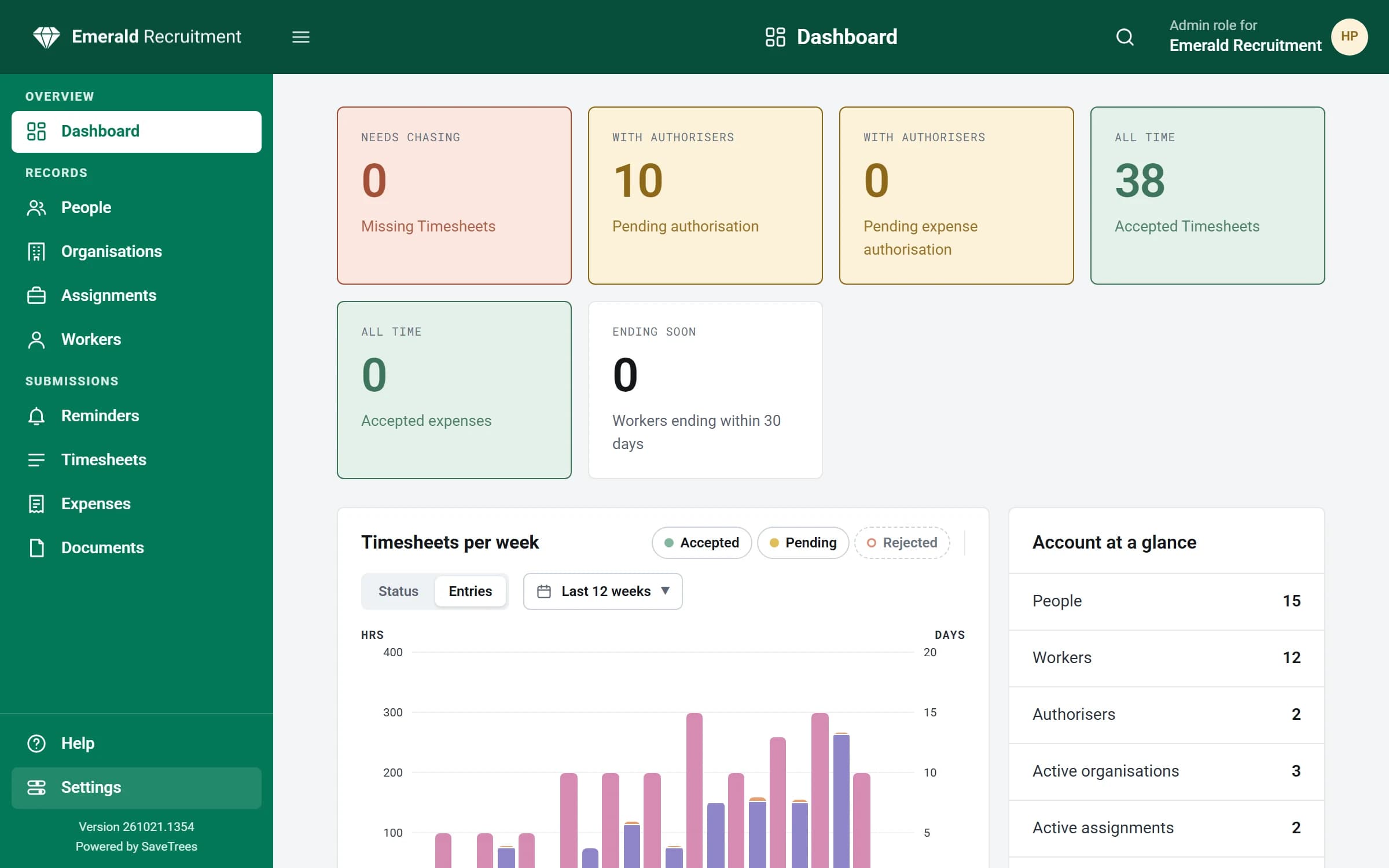
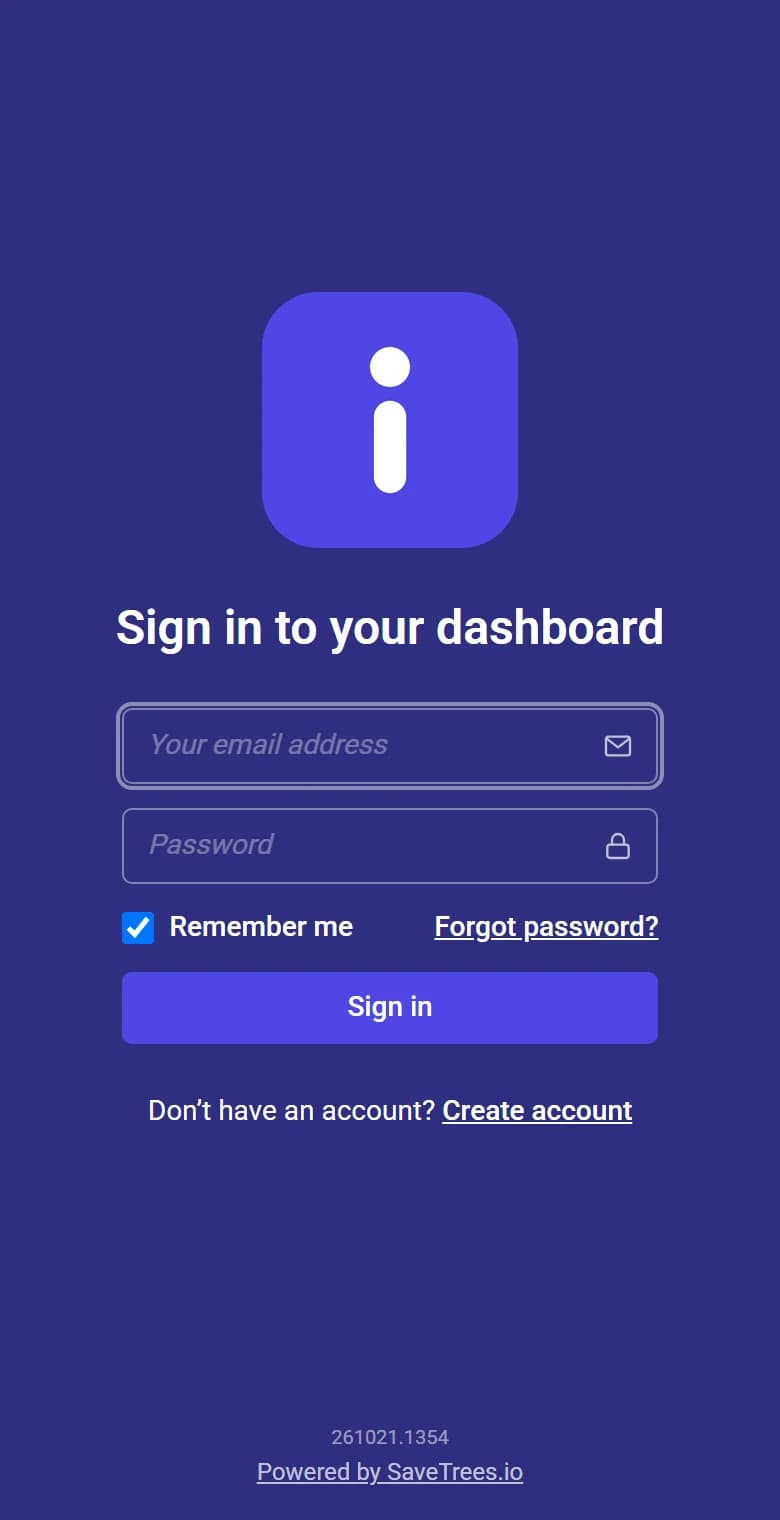
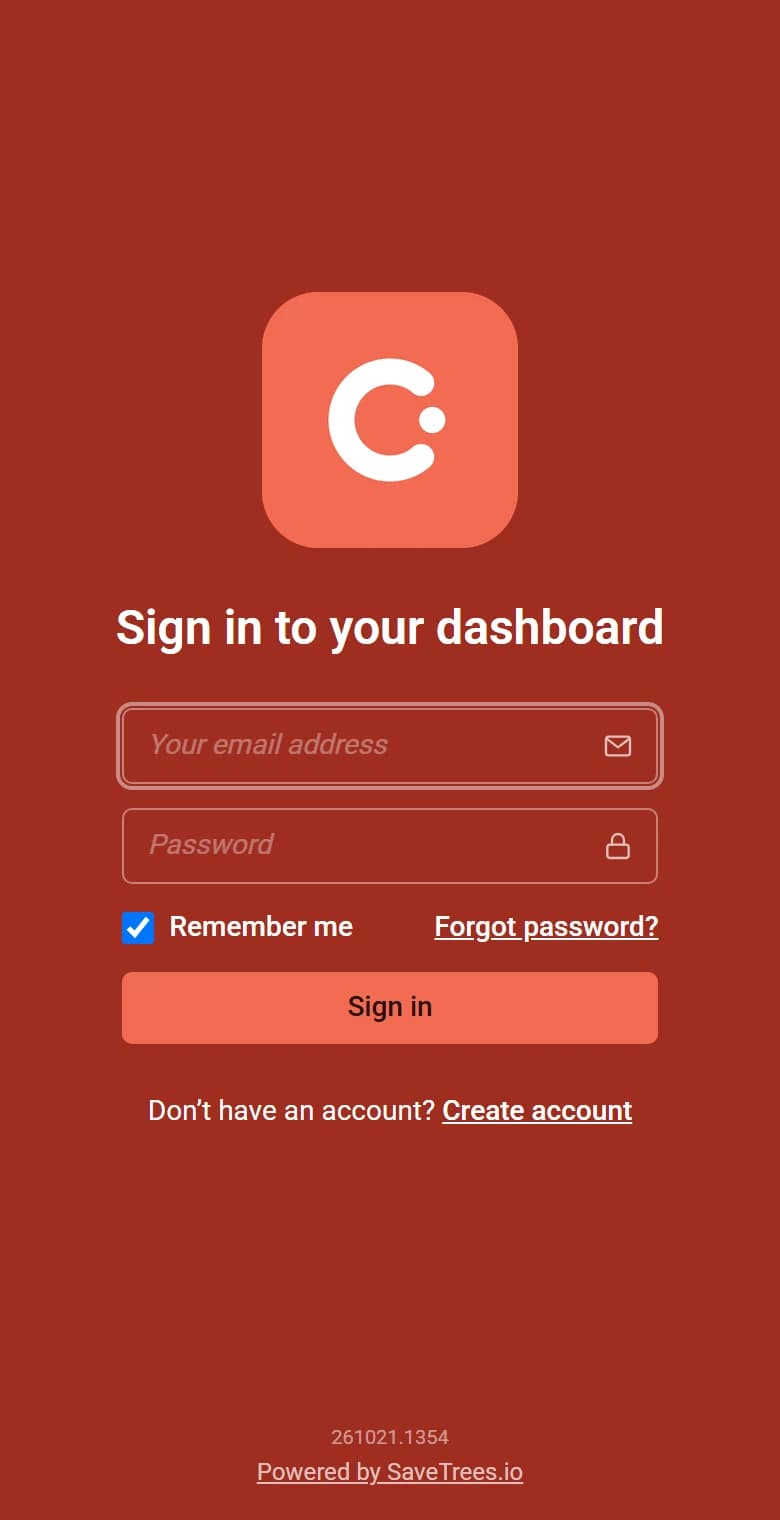
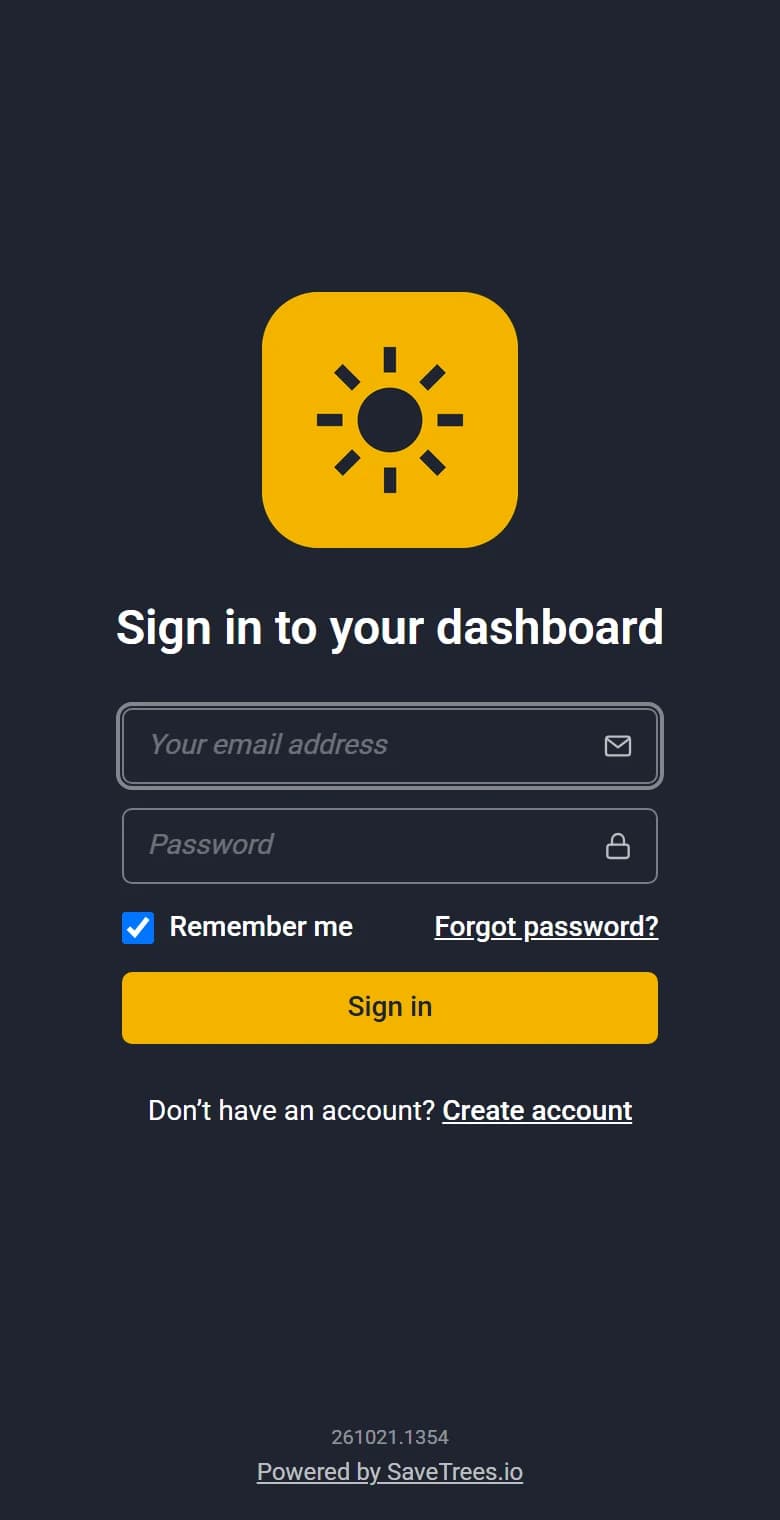
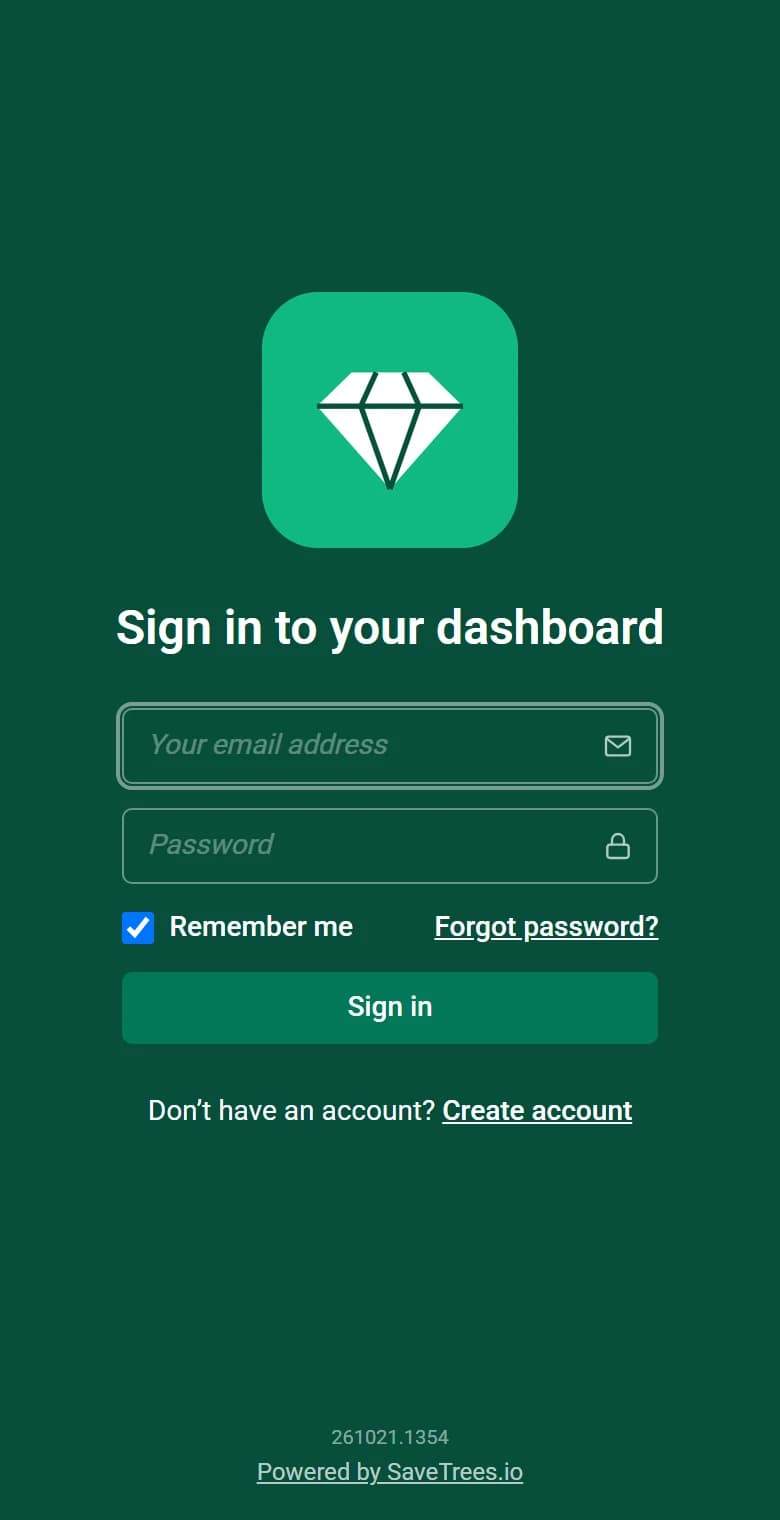
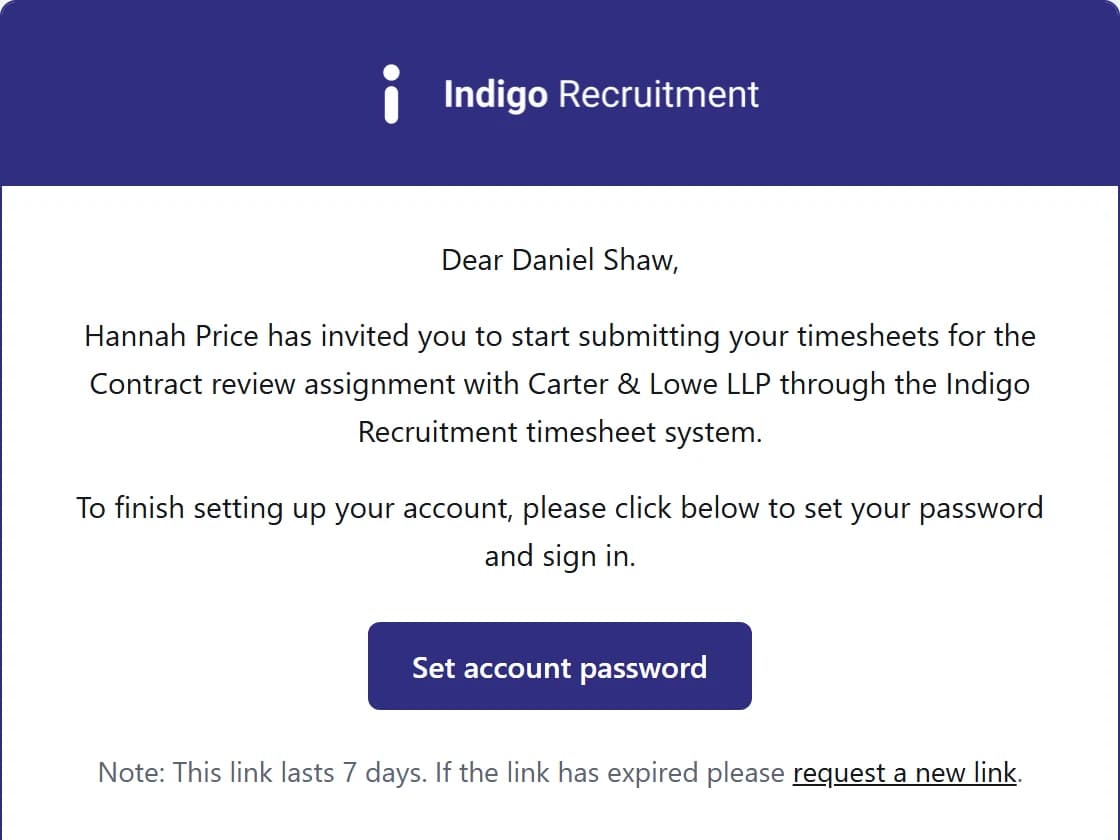
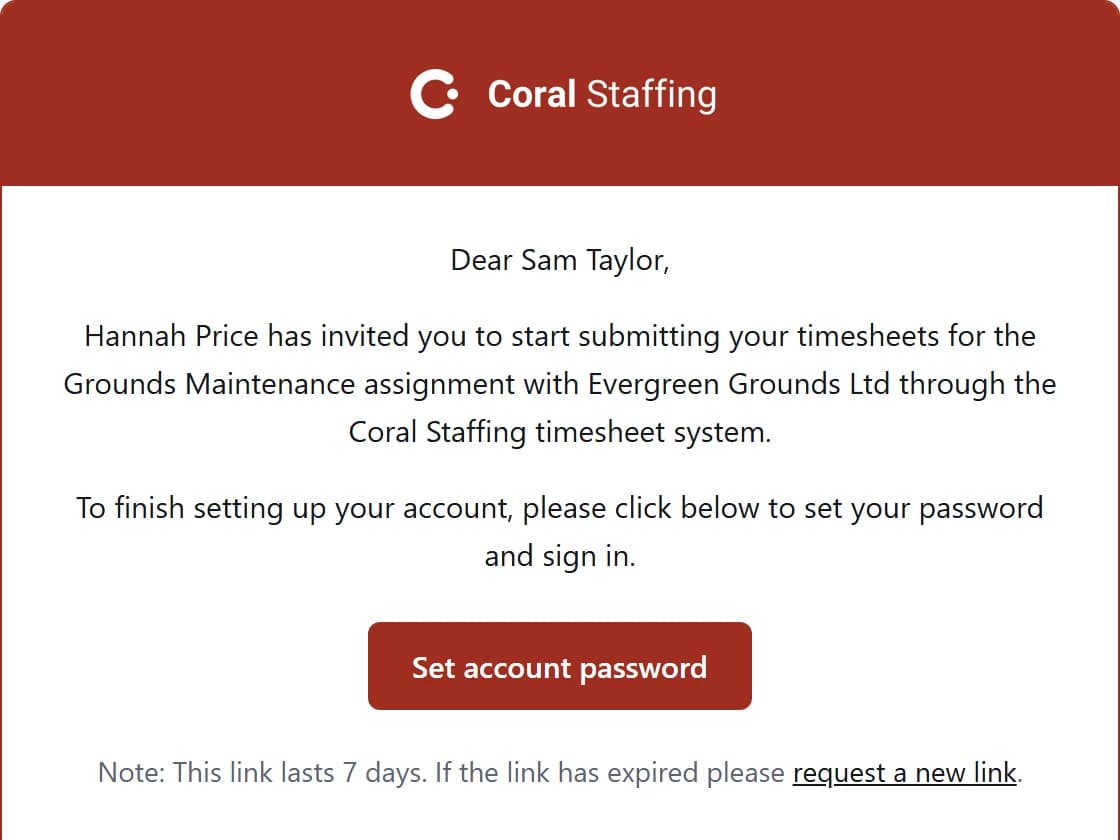
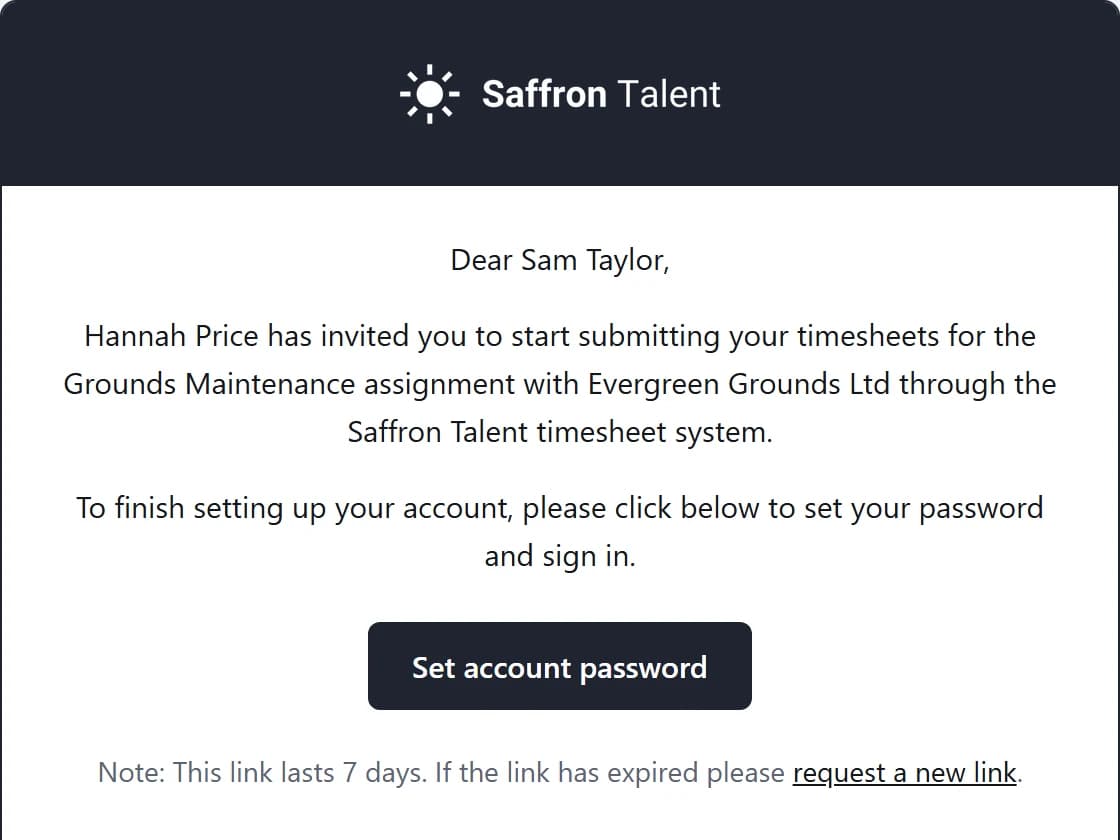
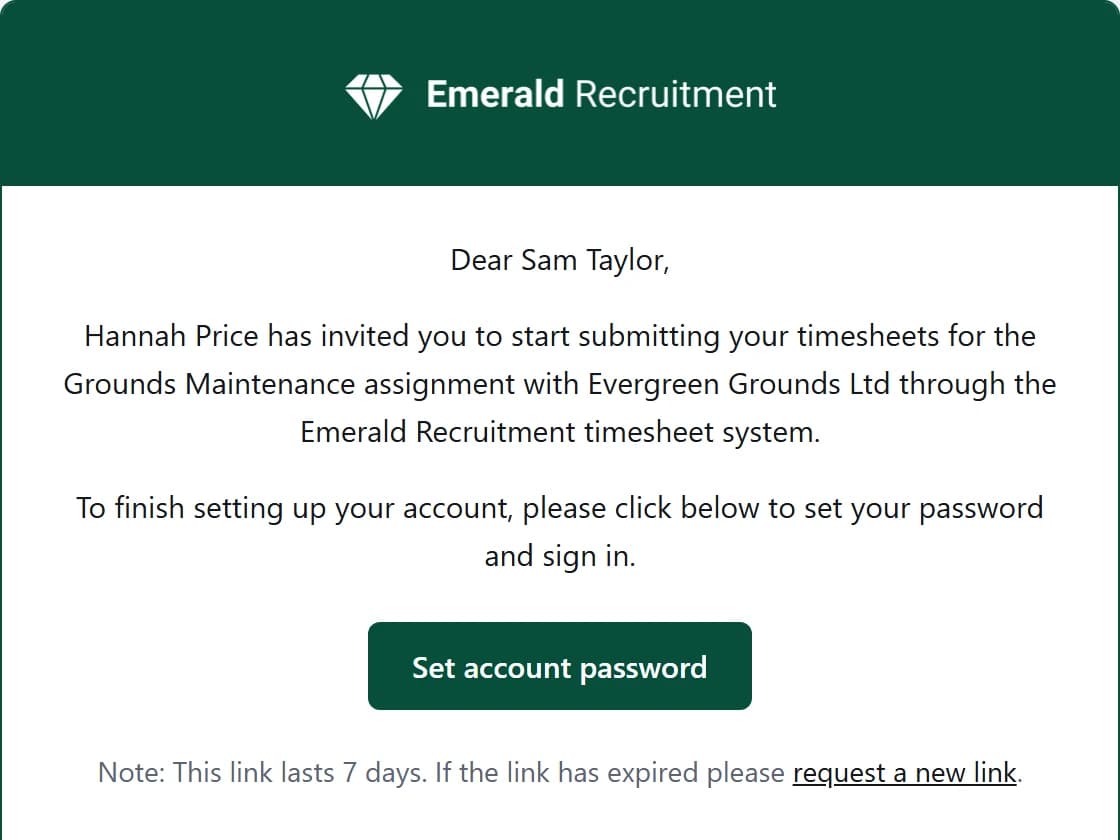
Your brand, not ours
Your contractors see your agency, everywhere
Not a little logo in the corner. Your colours and logo run through every part of the portal.
- Login page
- Every dashboard page
- Your URL and favicon
- PDF timesheets
- Emails
- Your own forest page
And everything else a modern agency needs
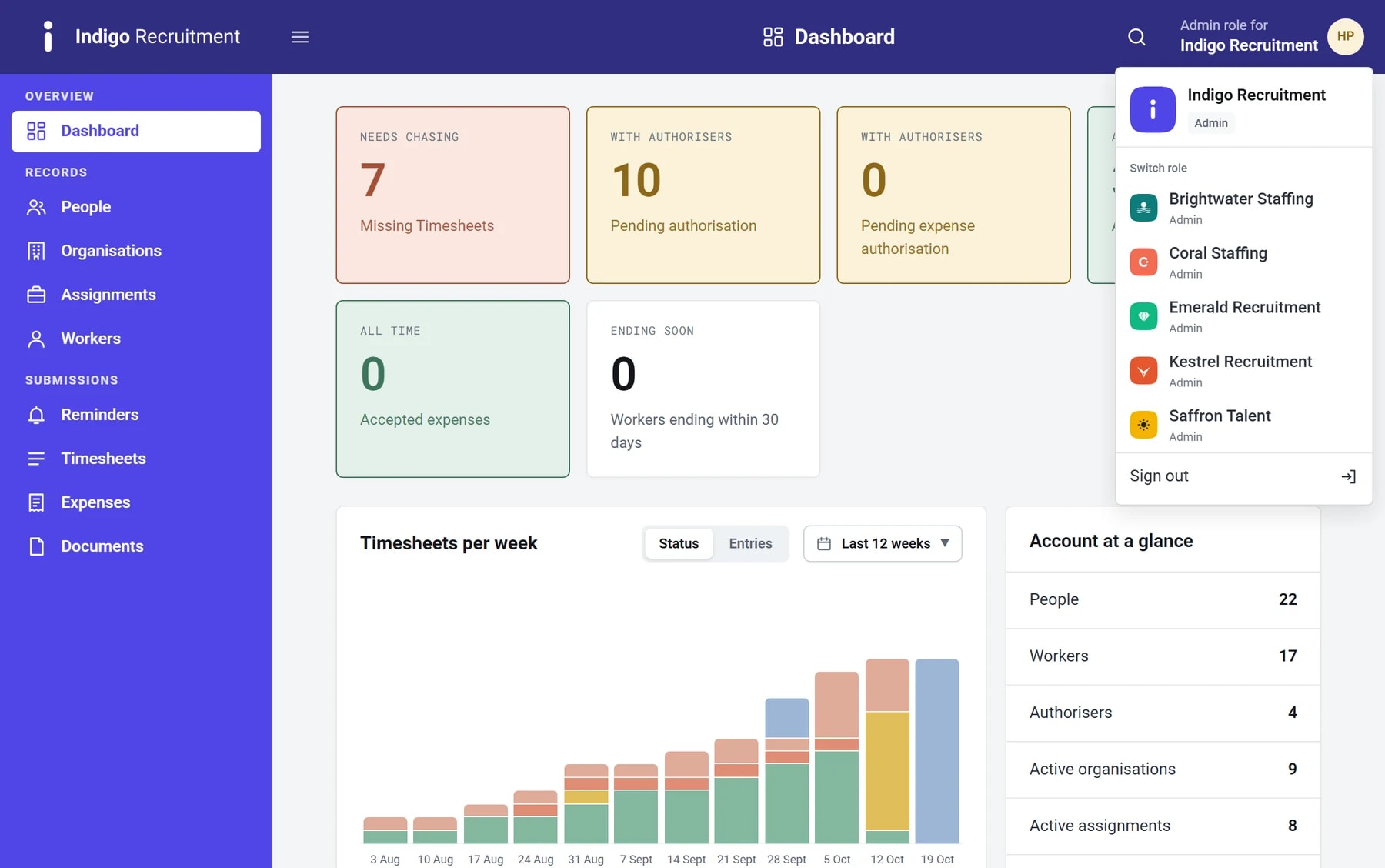
Multiple agencies
Run several brands and switch with one click
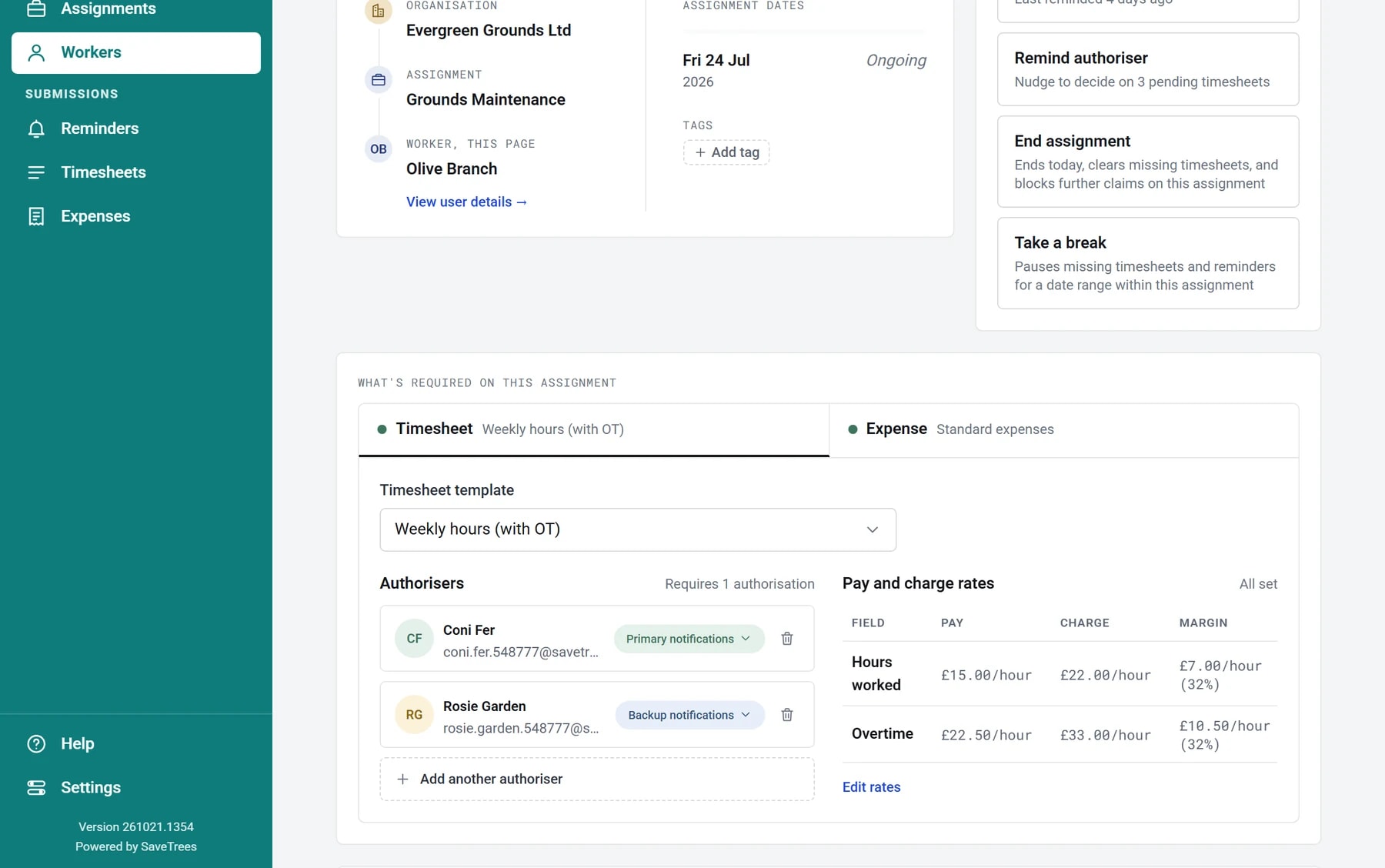
Multiple authorisers
Primary and backup approvers per worker
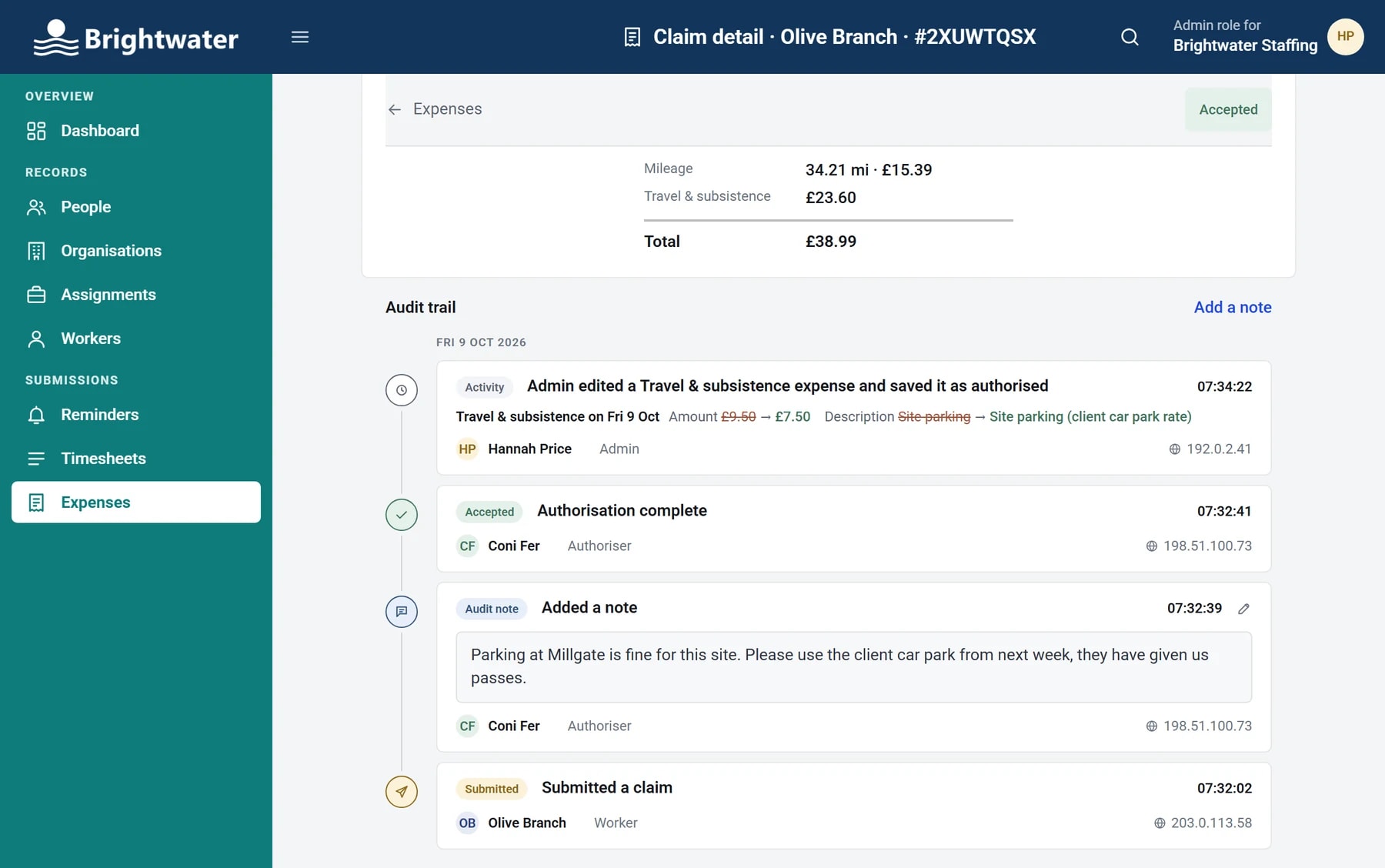
Audit trails
Every change, who made it and from where
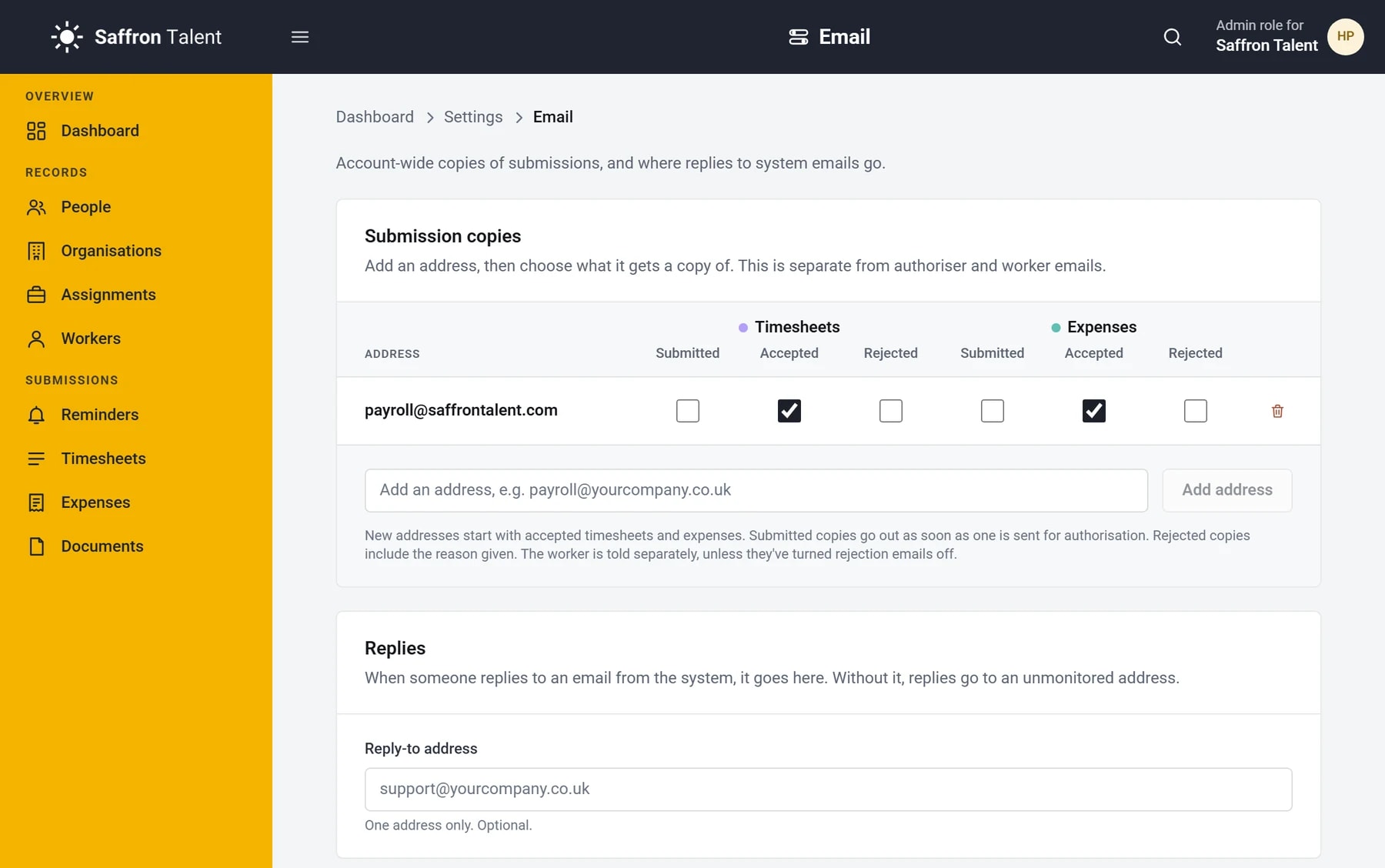
Timesheets to payroll
PDF timesheets sent straight to payroll
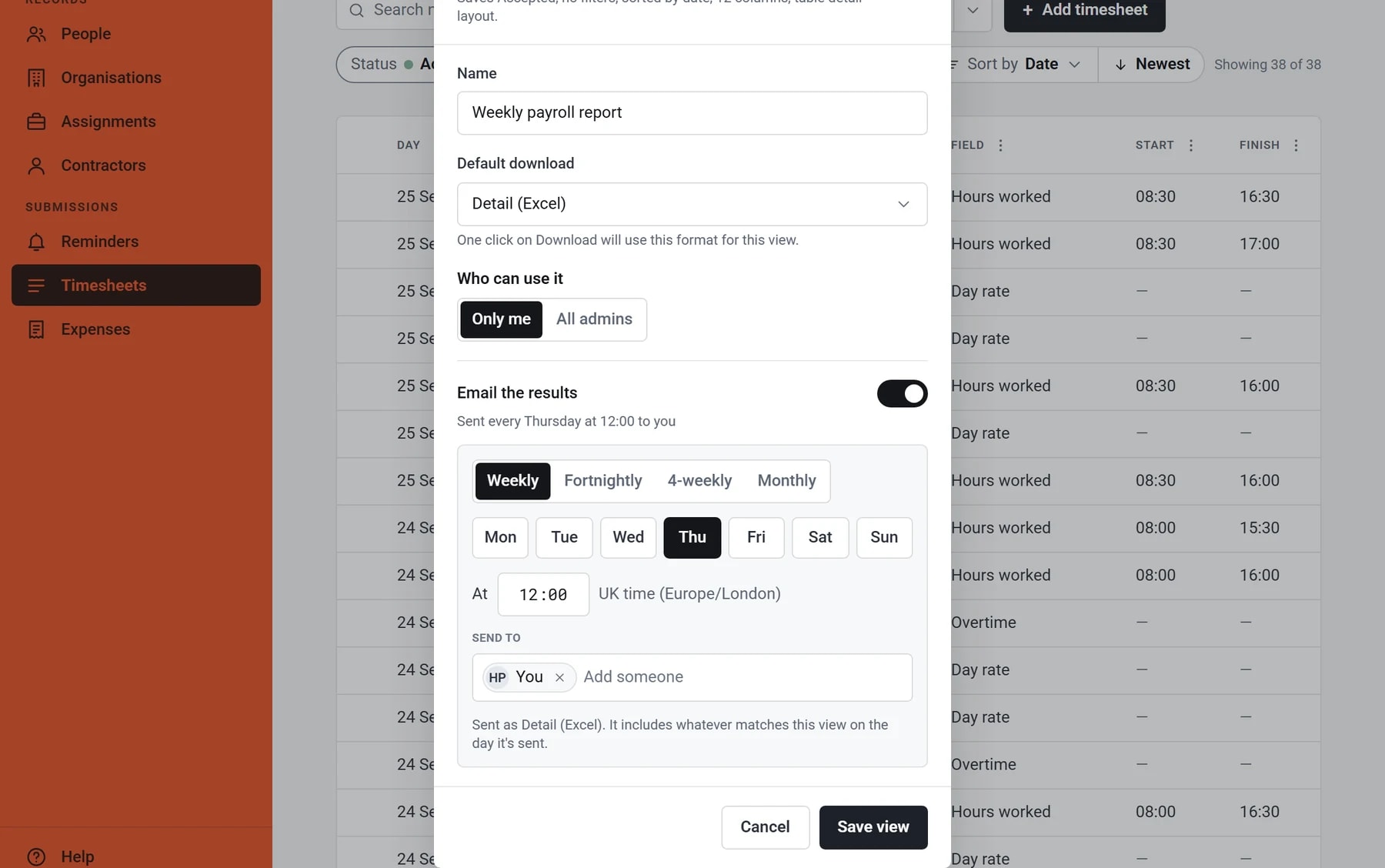
Scheduled reports
Any saved list emailed as a spreadsheet, weekly or monthly
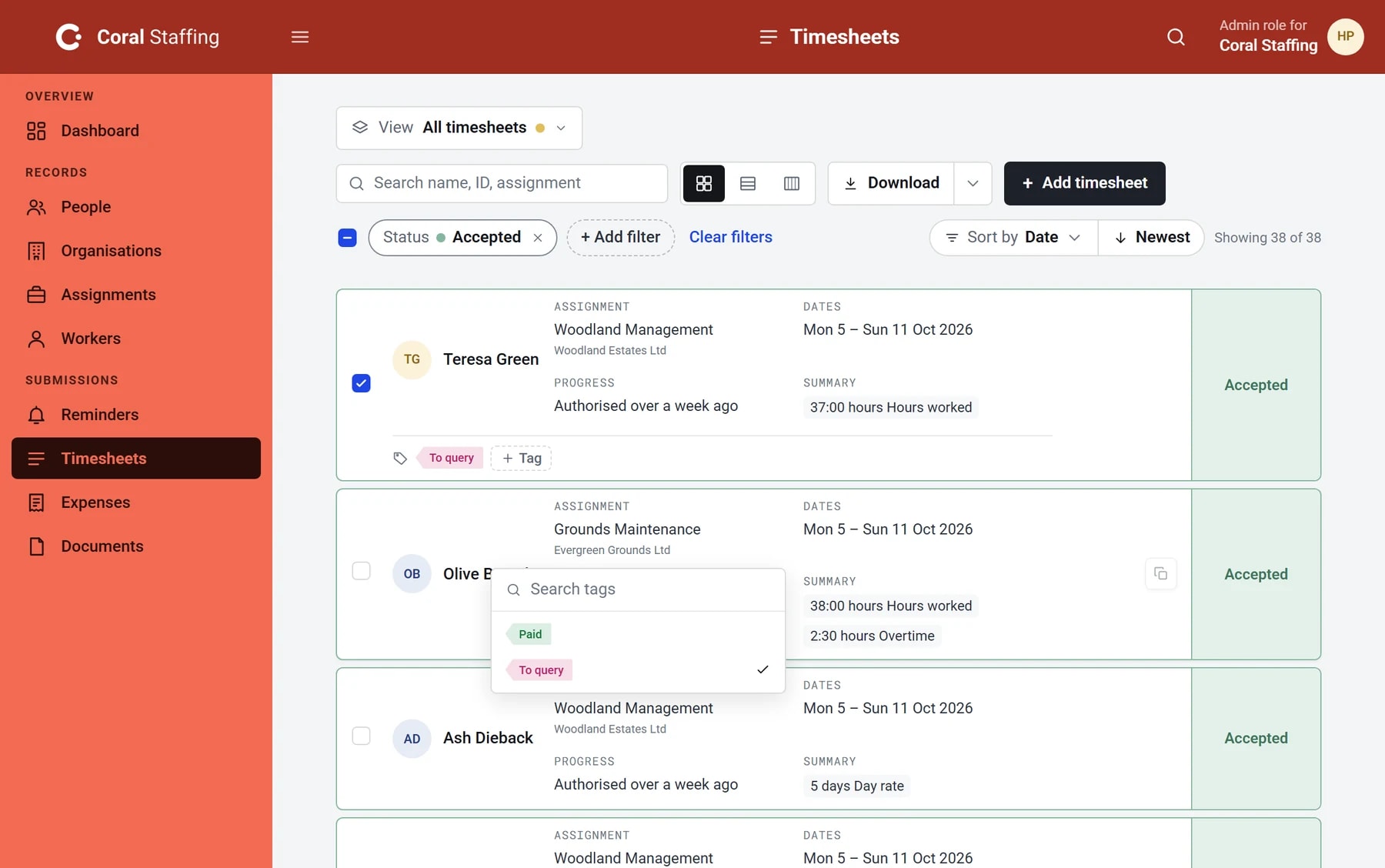
Tags
Label timesheets, claims and people, then filter by them
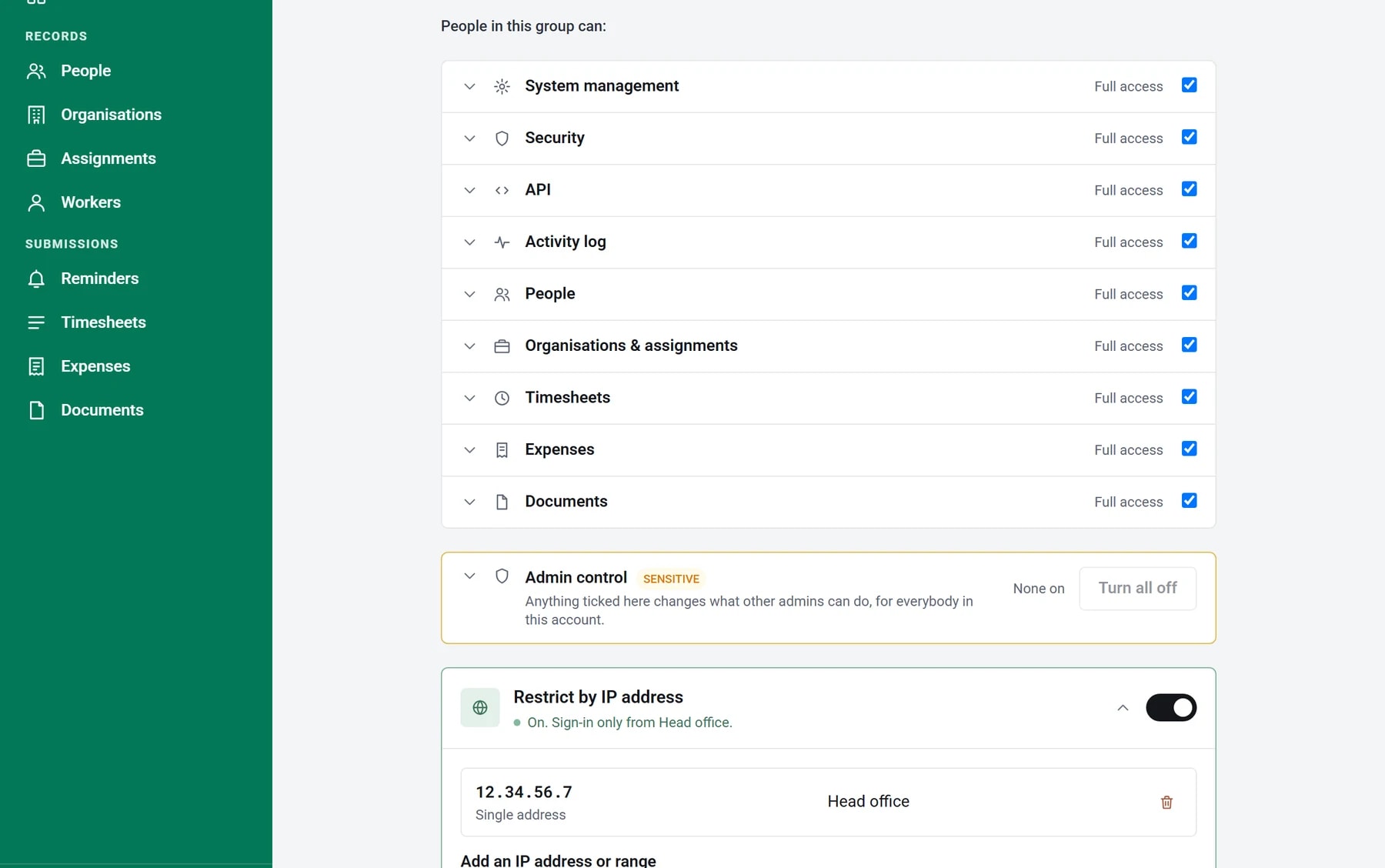
Admin permissions
Choose what each admin can see and do
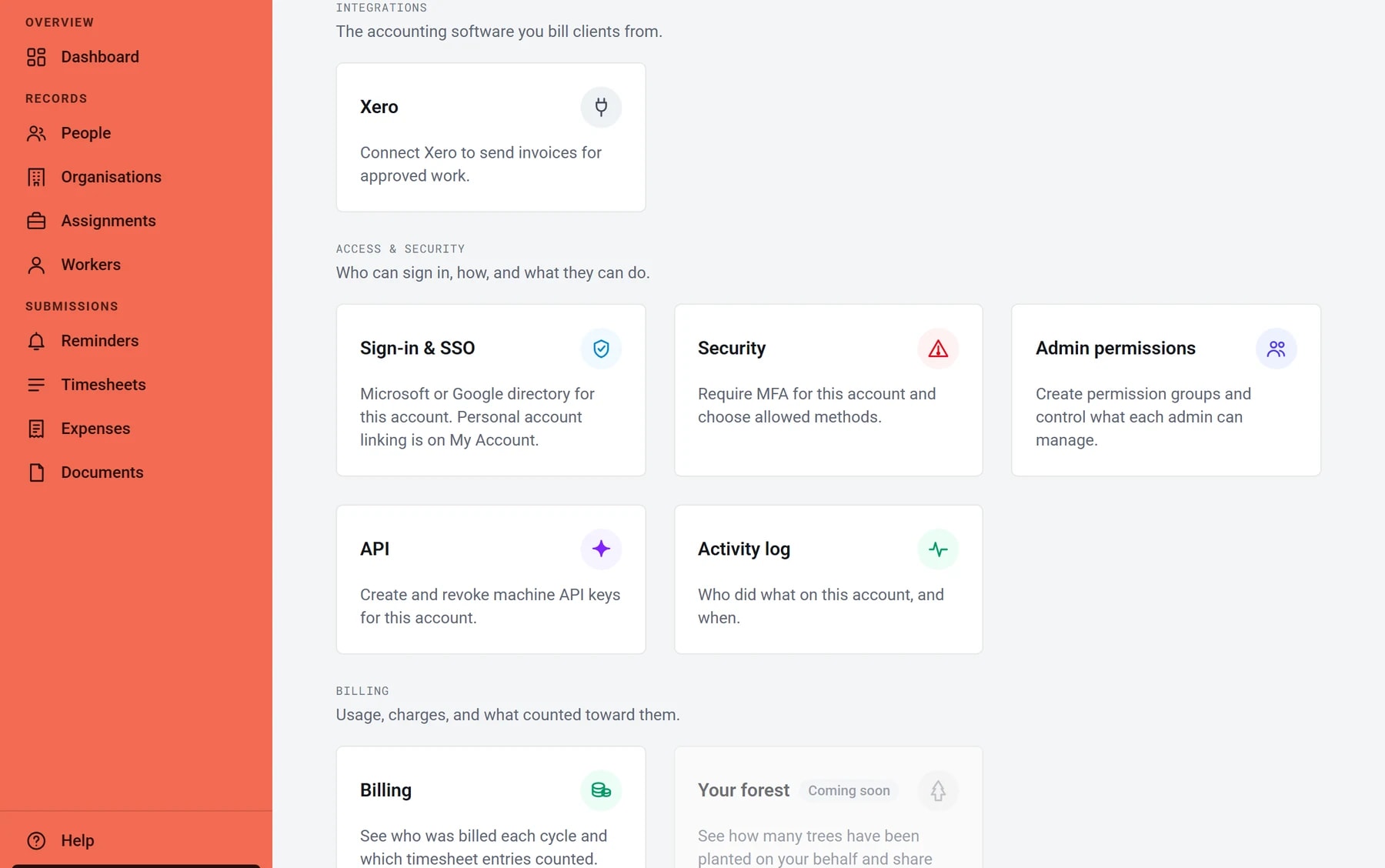
Two-step verification and SSO
Require MFA, or sign in with Microsoft or Google
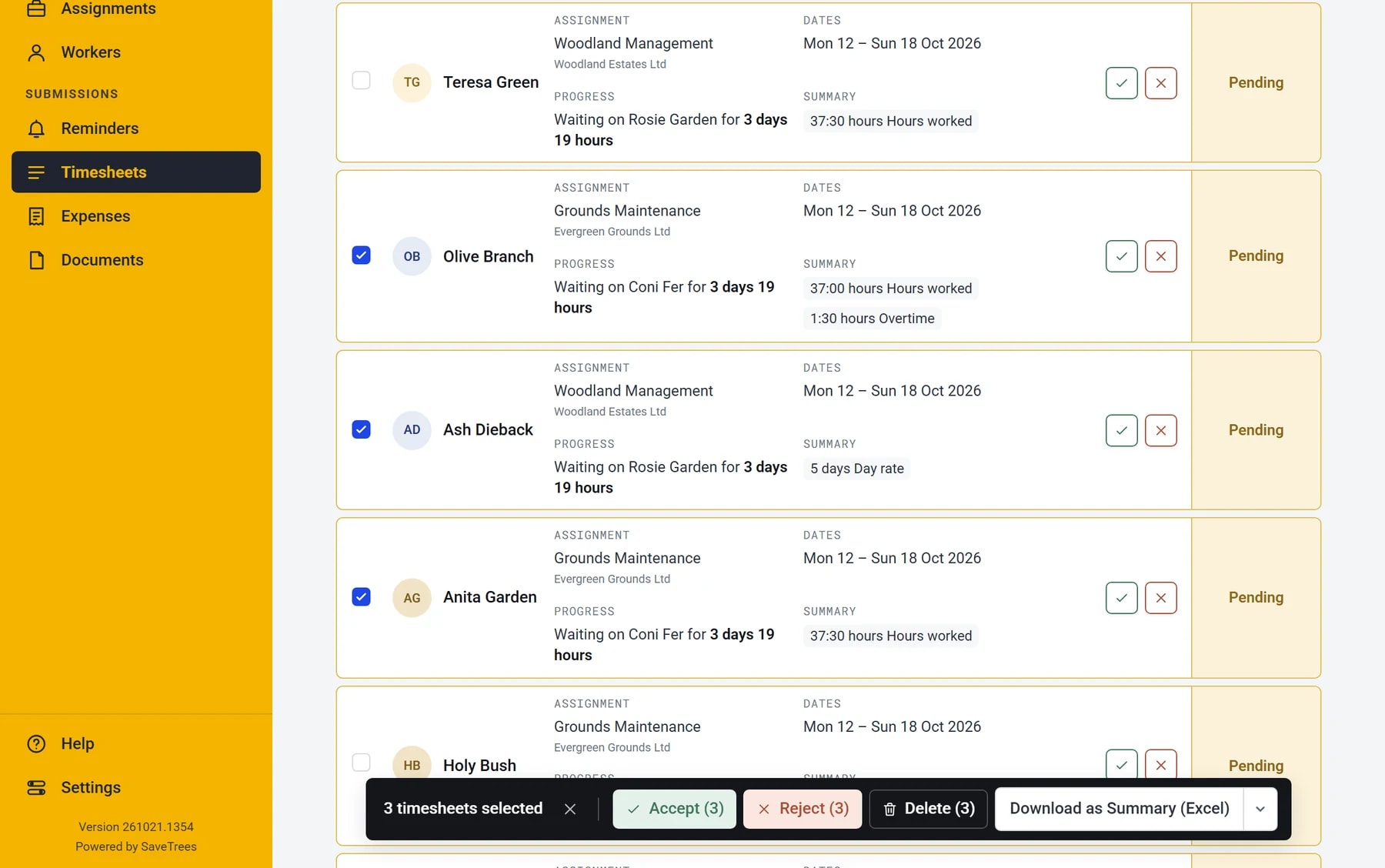
Bulk actions
Accept, reject or download dozens at once
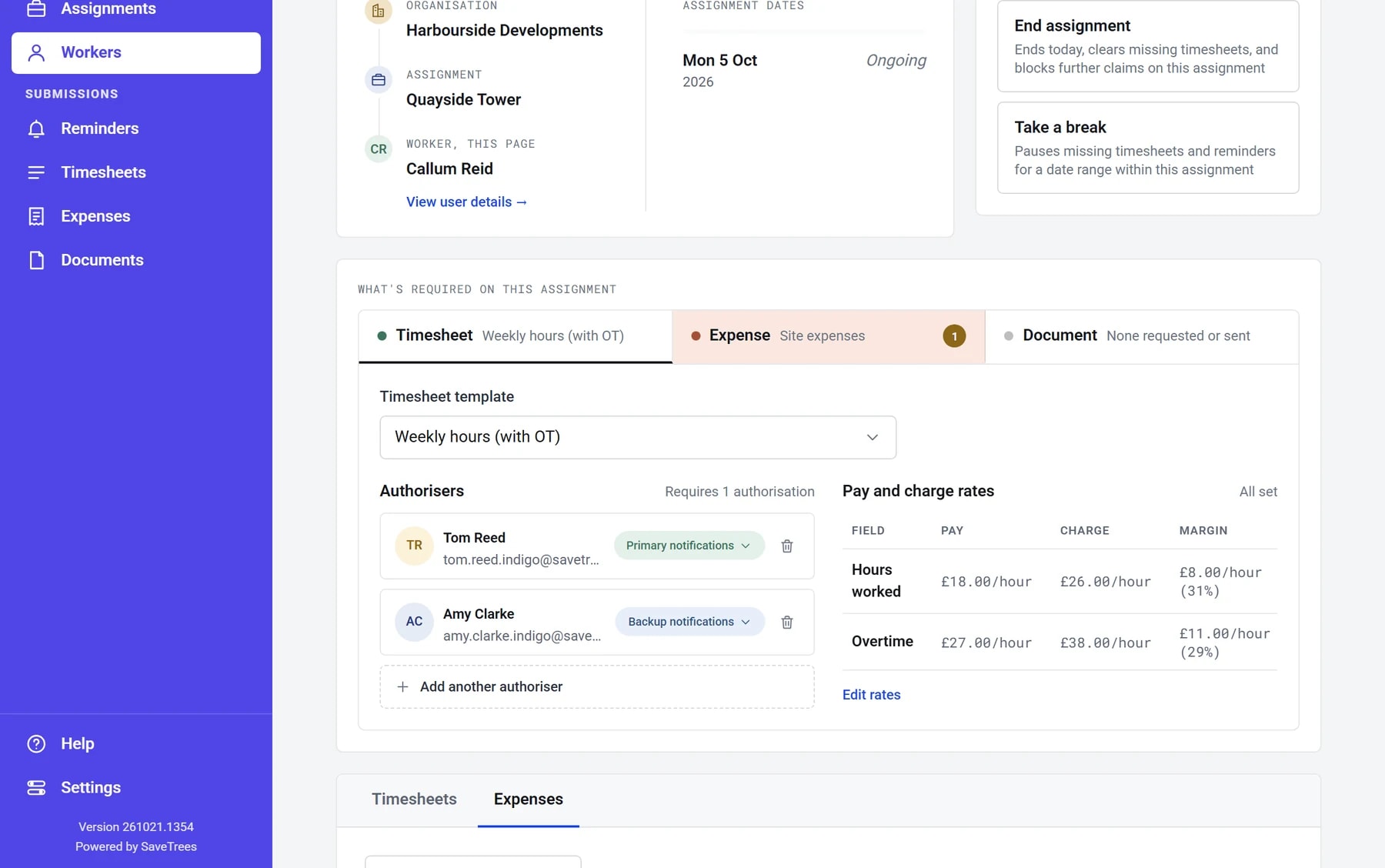
Financials
Pay and charge rates, margins per worker
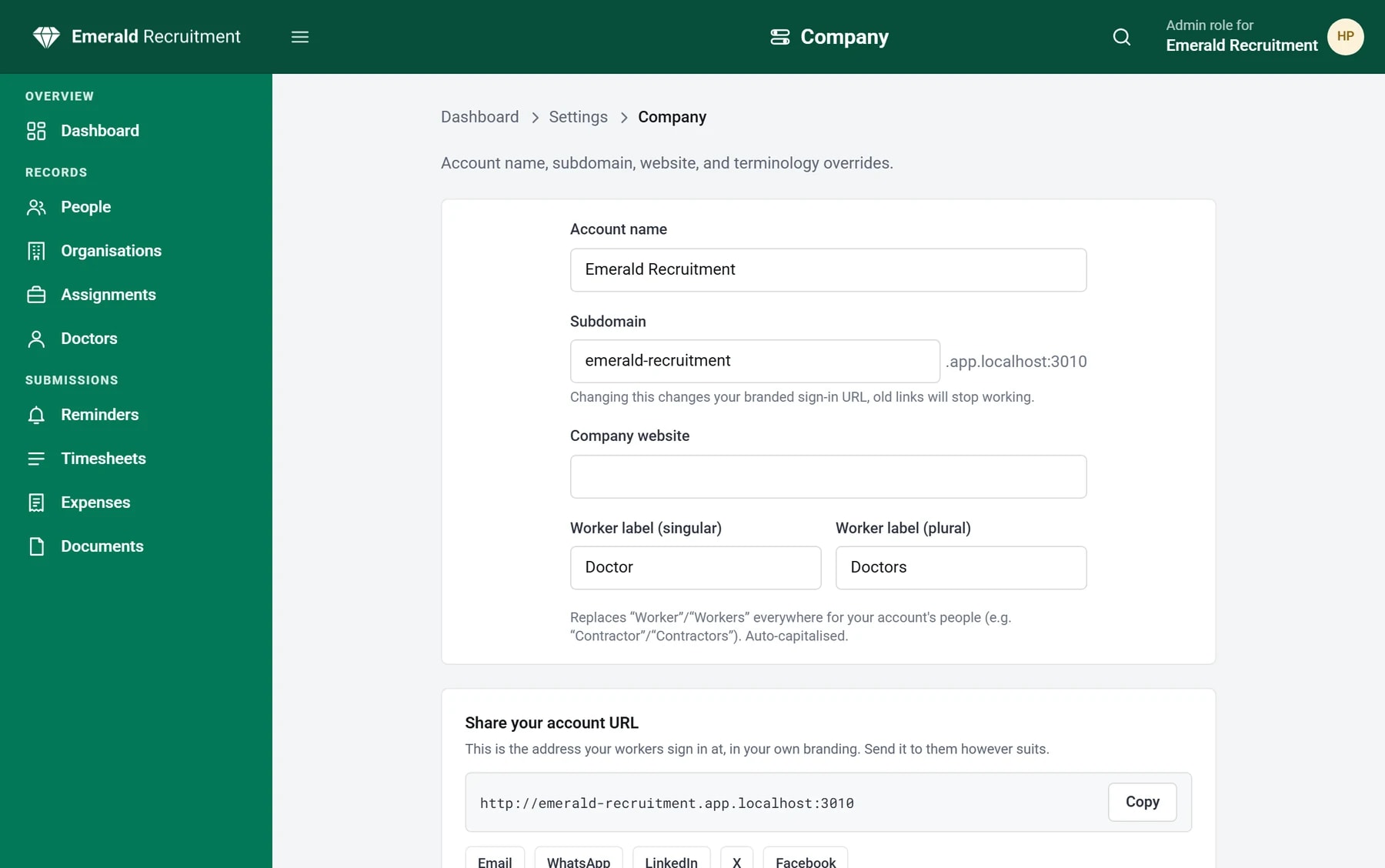
Your own terminologyNEW
Call them contractors, temps or candidates
- All features
Recruiters who switched
“Took less than 5 minutes to set up and get going with a nice branded look and feel for our company.”
Pav Kudlac · Ovyo Tech Services
“We trialled multiple online timesheet portals and SaveTrees was by far the most user friendly.”
Hayley Brooke · MacKenzie King
“It does exactly what they said it would and has made our monthly payments process far slicker.”
Pioneer Search · Recruitment
Help
Free help, from real people
SaveTrees is intuitive and reliable, which is why we can offer phone and video call support completely free, with no limits. Talk to a real person, or raise a ticket if you prefer.
Environment
A tree for every agency, every month
Since November 2020 we’ve planted at least one tree per paying agency, per month. Our goal is 100,000 trees by 2030.
See the forestCharities
Free for charities
Charities use timesheets to show funders what volunteers do. We give them SaveTrees at no cost.
Timesheets for charitiesTry with no risk.
If you don’t love it, you don’t pay a penny.
- No card
- No contract
- Free for one worker