Timesheets · Day to day
How do I download a timesheet as a PDF?
Download one timesheet, or a zip of lots of them, ready to file or send on.
For workers, authorisers and admins · Updated 13 October 2026
Using SaveTrees v2? This works differently there. See the v2 guide
Need a copy for your records, or for someone who doesn’t use SaveTrees? Once a timesheet has been sent, you can download it as a PDF.
One timesheet
- 1
Open the timesheet from your Timesheets list.
- 2
Click Download PDF at the bottom of the page.
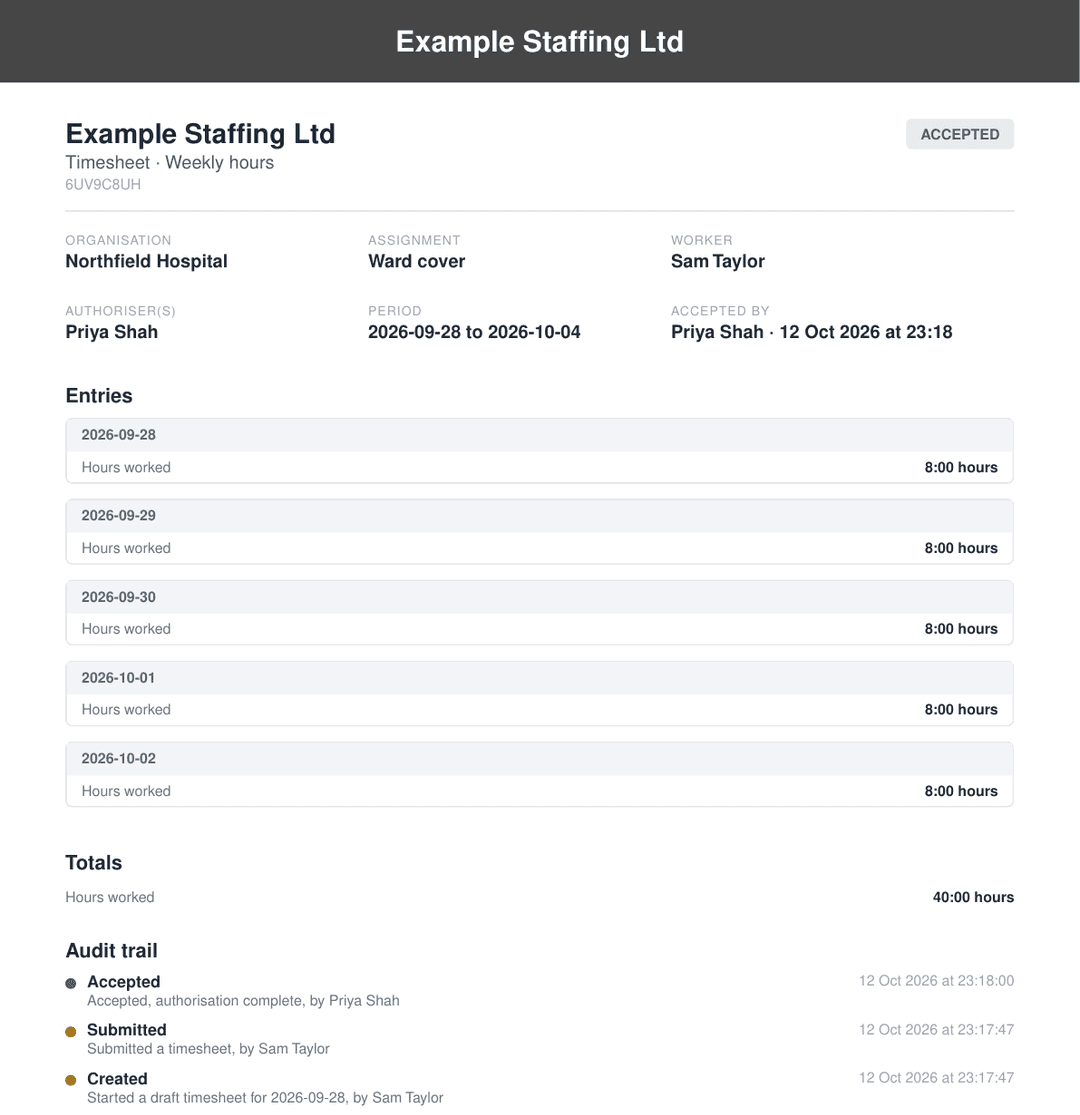
The PDF has everything on the timesheet: the days and hours, who it’s for, who accepted it and when, and a history of everything that happened to it. The file name includes the person’s name and the start of the week, so it’s easy to find later.
If your list is showing as a summary table, there’s a quicker way: click a timesheet’s ID and the PDF downloads straight away.
Lots at once
- 1
On your Timesheets list, filter it down to the ones you want, for example just the accepted ones for last month.
- 2
Click Download at the top of the list and choose Zip (PDFs).
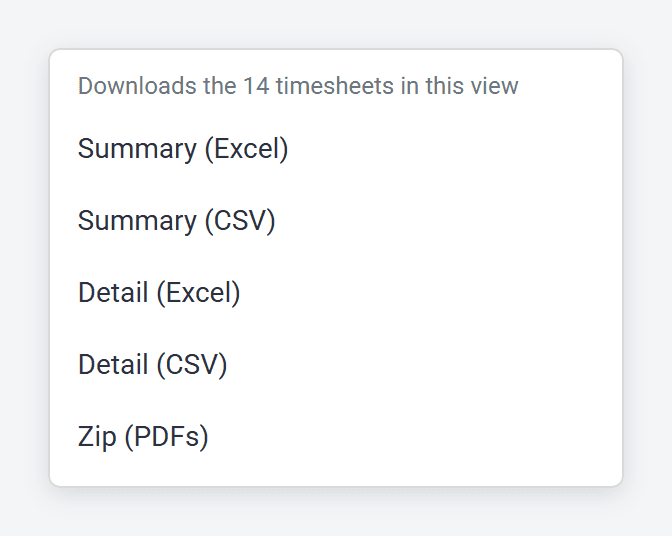
You get one zip file with a separate PDF for each timesheet in the list. A big zip can take a little while to put together.
You’ll only see your own timesheets if you’re a worker, the ones you approve if you’re an authoriser, and everyone’s if you’re an admin.
- The same menu has spreadsheet downloads too, in Excel or CSV, as a summary or with every line.
- If you always download the same way, hover over that option and click Make default, then save your view so it sticks. From then on, Download goes straight to it whenever you use that view. See How do I download a list of timesheets?
- Don’t see Zip (PDFs)? Switch the list out of the detailed table view. That view only offers spreadsheets.
Getting a copy by email
When one of your timesheets is accepted, we email you to say so, with the PDF attached. If you’d rather not get these, you can switch them off in Settings, under Email preferences.
Expense claims
Claims work the same way, from the Expenses list.