Settings & branding
Edit agency name
For admins · 9 July 2023
Using SaveTrees v3? This works differently there. See the v3 guide

Introduction
Whether you have gone through a rebrand or you have taken over an agency and you're absorbing the workers into your company and are taking on the SaveTrees timesheet system, you may find that you need to change the name of the agency on the system.
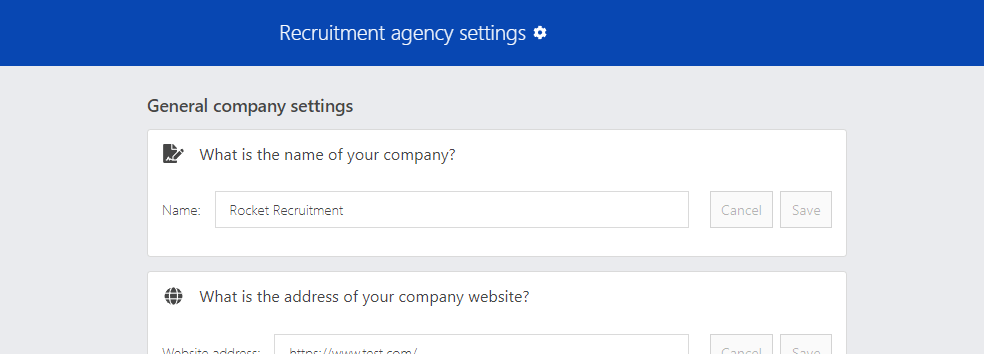
Editing your agencies name
First off, head over to Settings > Agency settings and look for the box titled 'What is the name of your company?'
This will display the current agency name. To change it, just delete the existing name and add the new one then click 'Save'.
Note:
This setting is only available to Super admins, so if you cannot see this box, that is probably why.