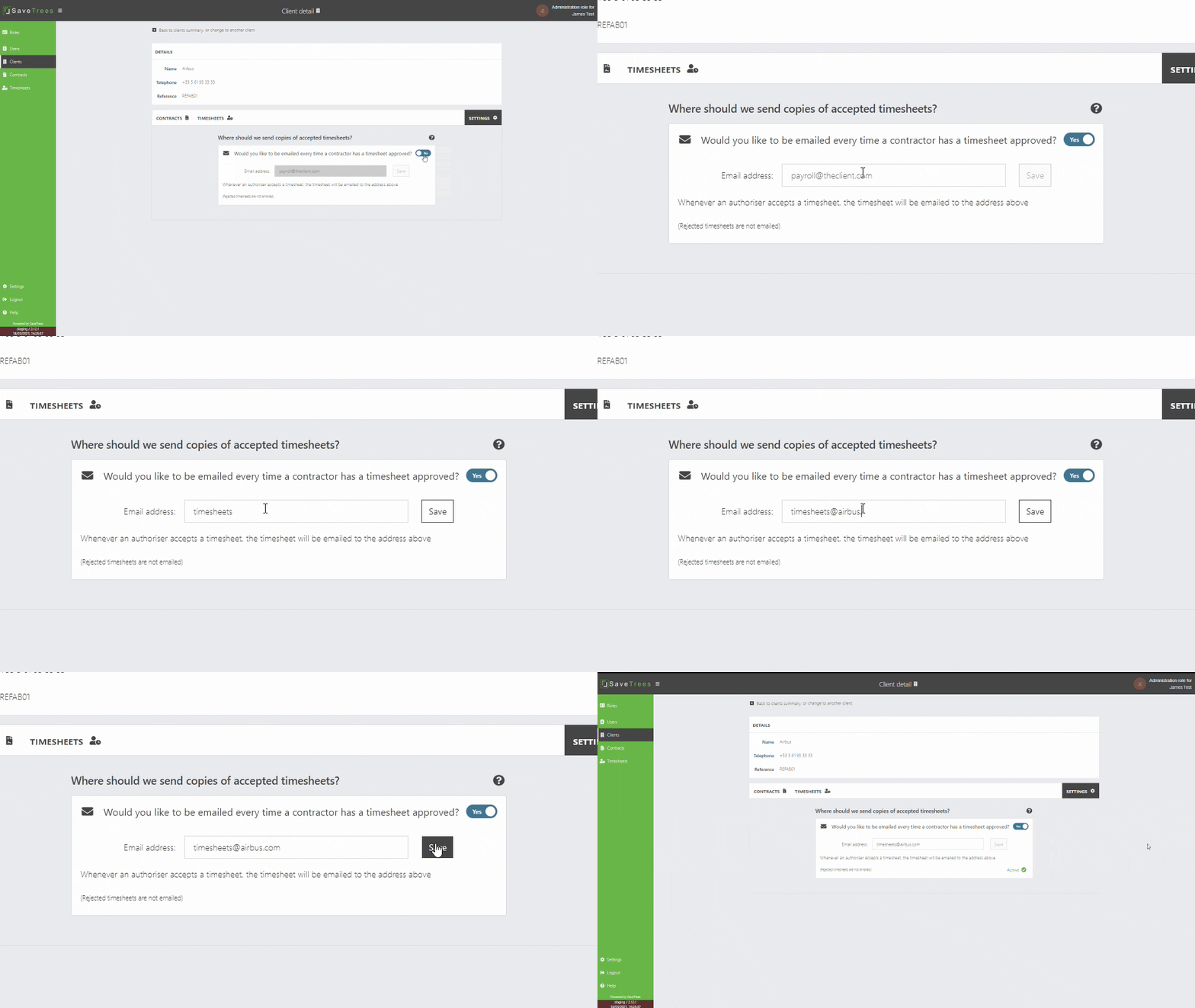
Automatically send accepted timesheets to your client
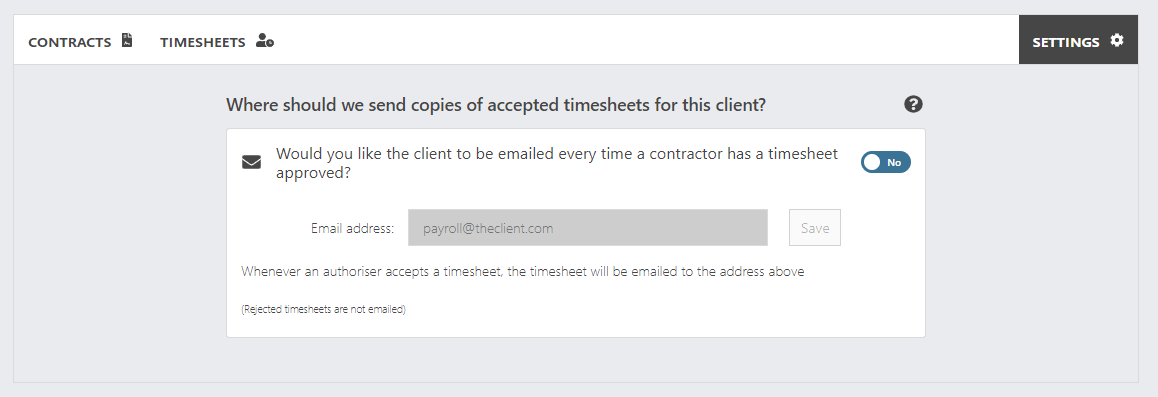
If it helps for your client to receive accepted PDFs of timesheets, then here is how to do it.
- Navigate to your client and click on the settings tab.
- Select the toggle to 'yes'
- Enter your client's email address
- Hit 'Save' and wait for the confirmation.
That's it.
Remember, this will send an email to your client for every contractor on every contract linked to that client.