
How to add a new user
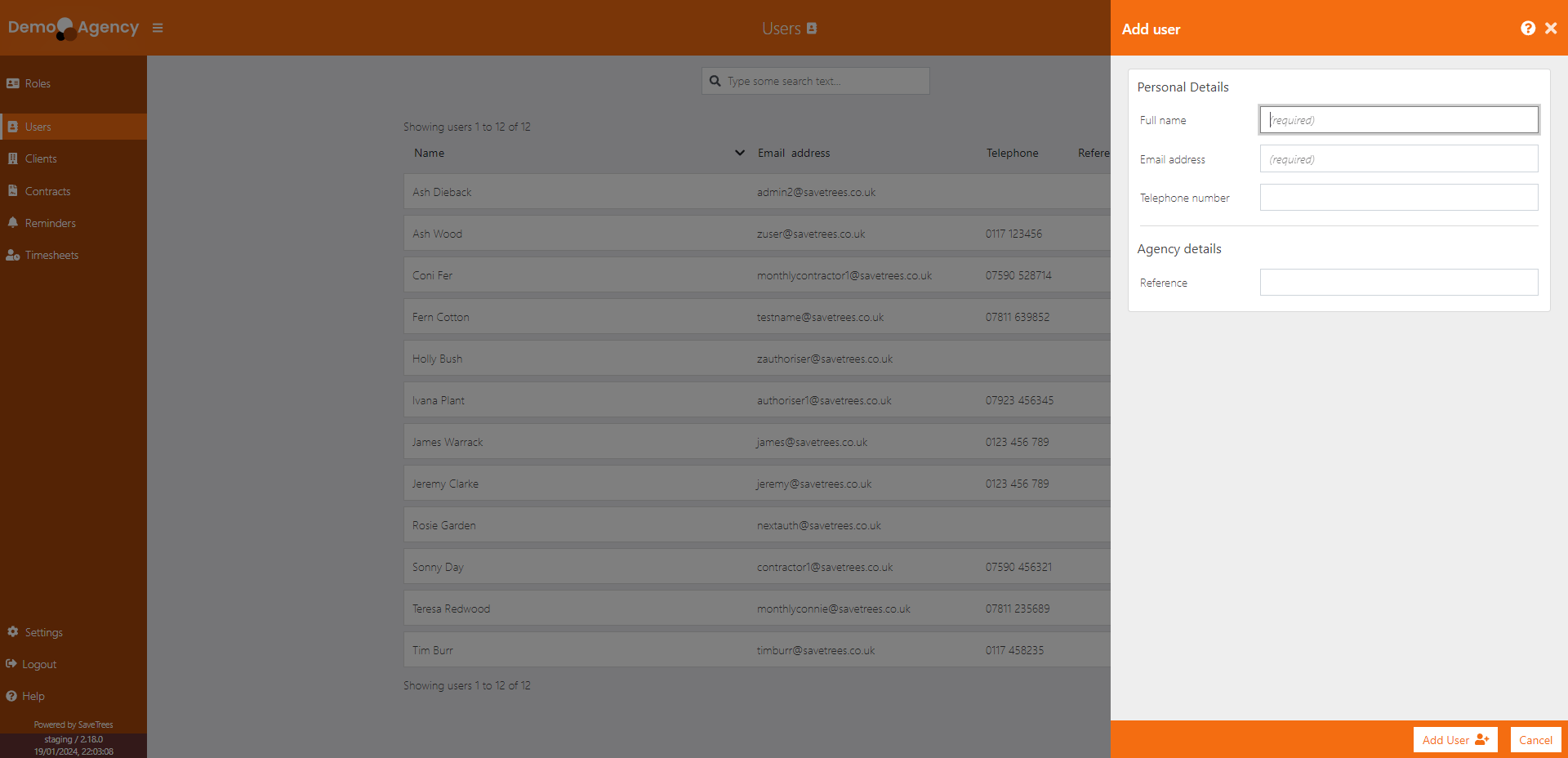
- Navigate to the 'Users' page
- Click on the 'Add user' button at the top right
- Fill in the details (only a full name and email address are required).
- Click 'add user'
Please note that this only adds the person to the system, they do not receive an invite at this stage because they haven't been assigned a role of worker, authoriser, admin or super admin.