Emails
Set a reply email address for notifications
For admins · 26 January 2022

Introduction
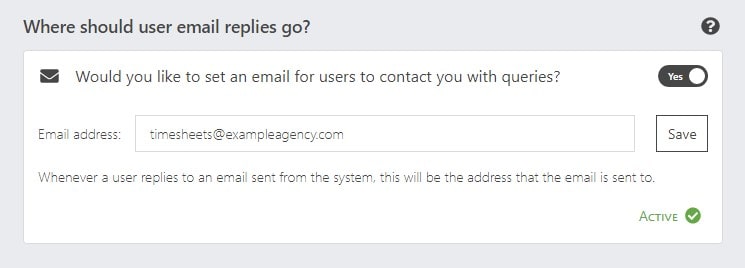
When the system sends an email out, every now and then, people will respond to it. If you set up an email address in this setting box, it will send the response to this address.
Setup
To set up your response address, just head to your agency Settings > Email settings.
In the box titled 'Where should user email replies go?' toggle the switch to 'yes', enter your desired email address and click 'Save'.